Cataloguing
A record for every object, in your field’s own terms
Catalogue a single drawer or a whole store: collections, templates and controlled vocabularies, with the photograph always first. Collection management for any kind of collection, from a private one to a small museum, on your own Mac.
Bring in what you already have
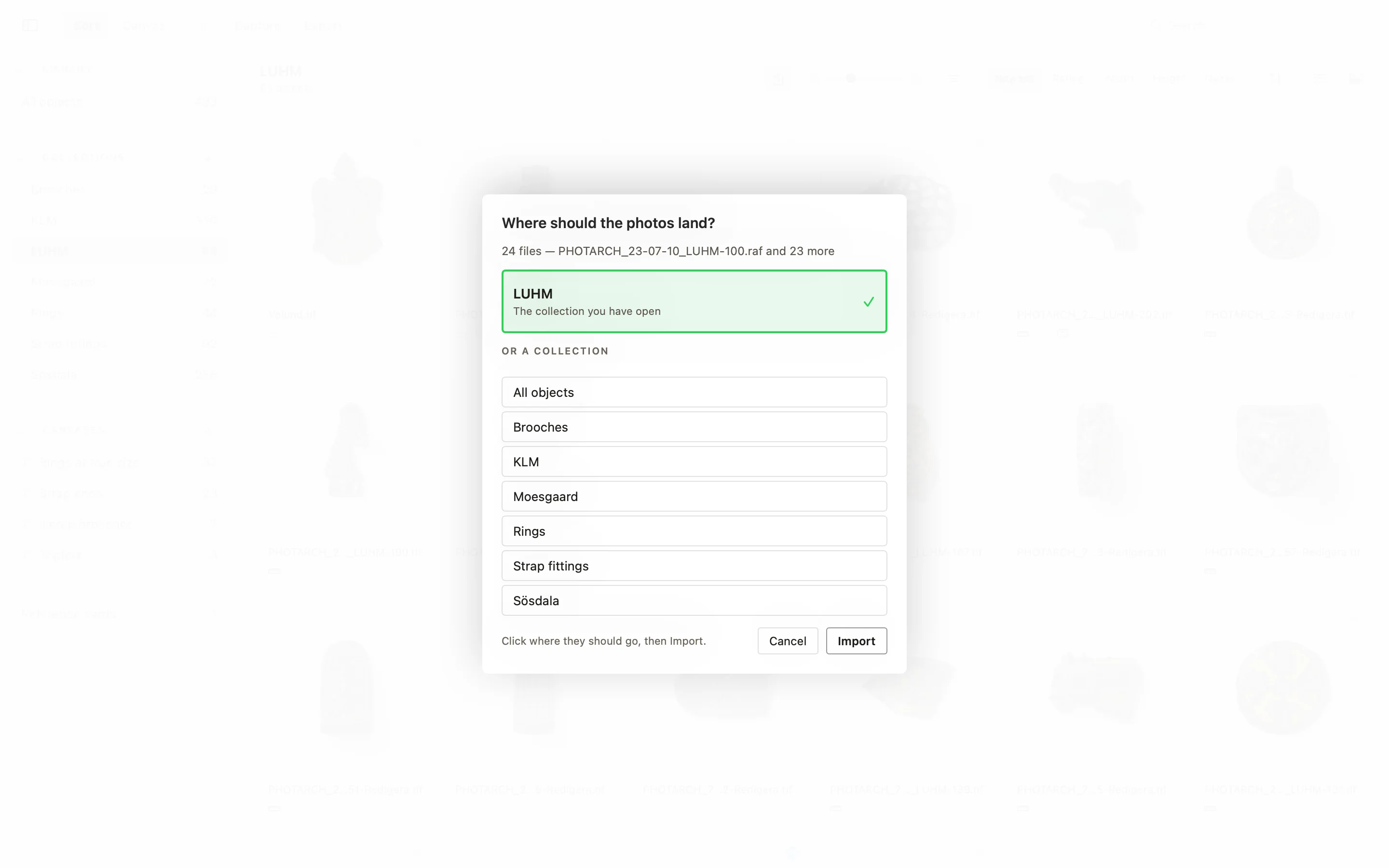
Drag in files and folders, or watch a folder. The originals stay where they are, and nothing is ever written over. PHOTARCH for iPhone can be the camera, over Wi-Fi or a cable, with every picture straight into the library. The records you already keep come too: import them from CSV, JSON-LD and Dublin Core. Begin with one collection beside the system you have, or let the app be the system if you have none.
Collections, templates and vocabularies
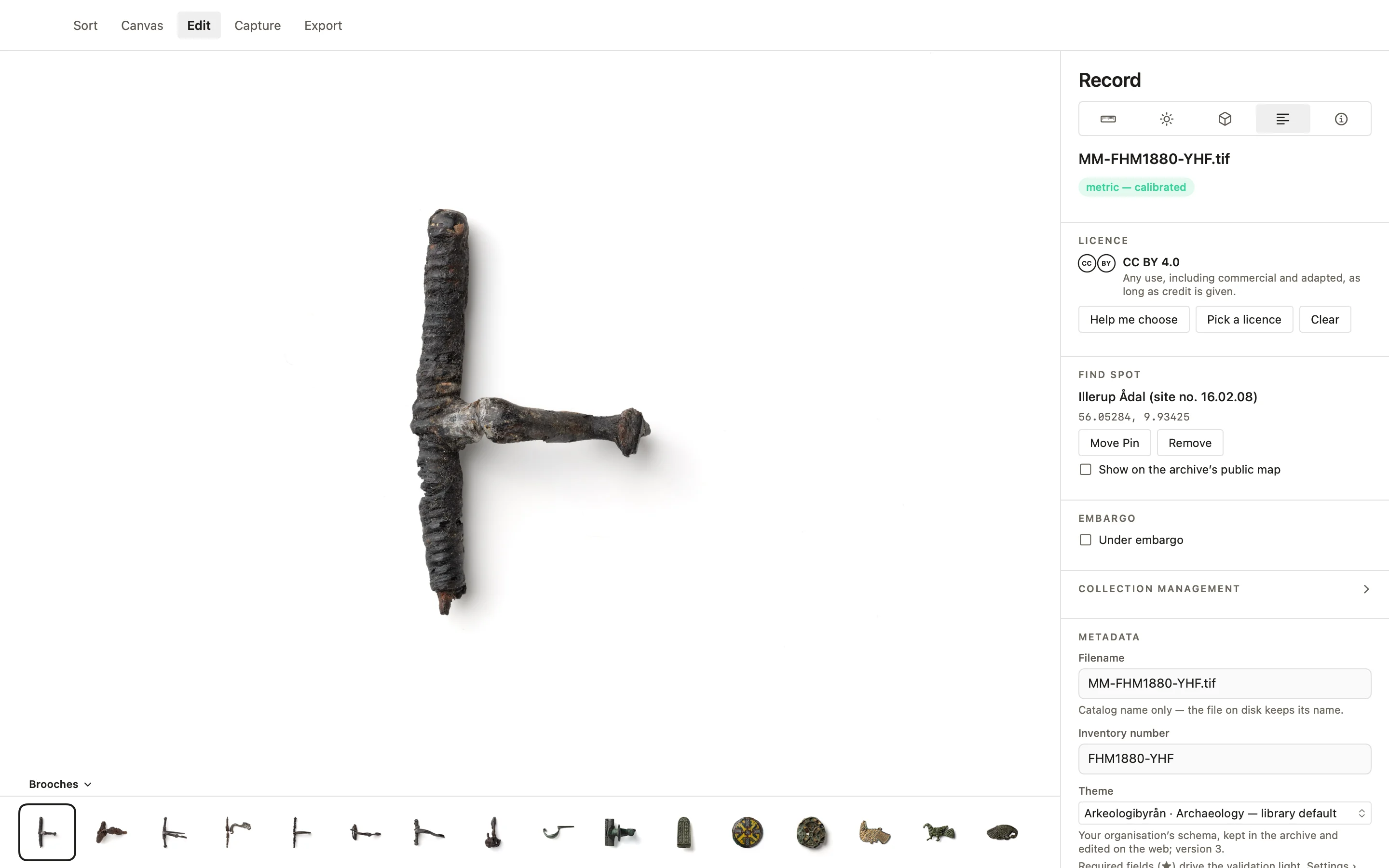
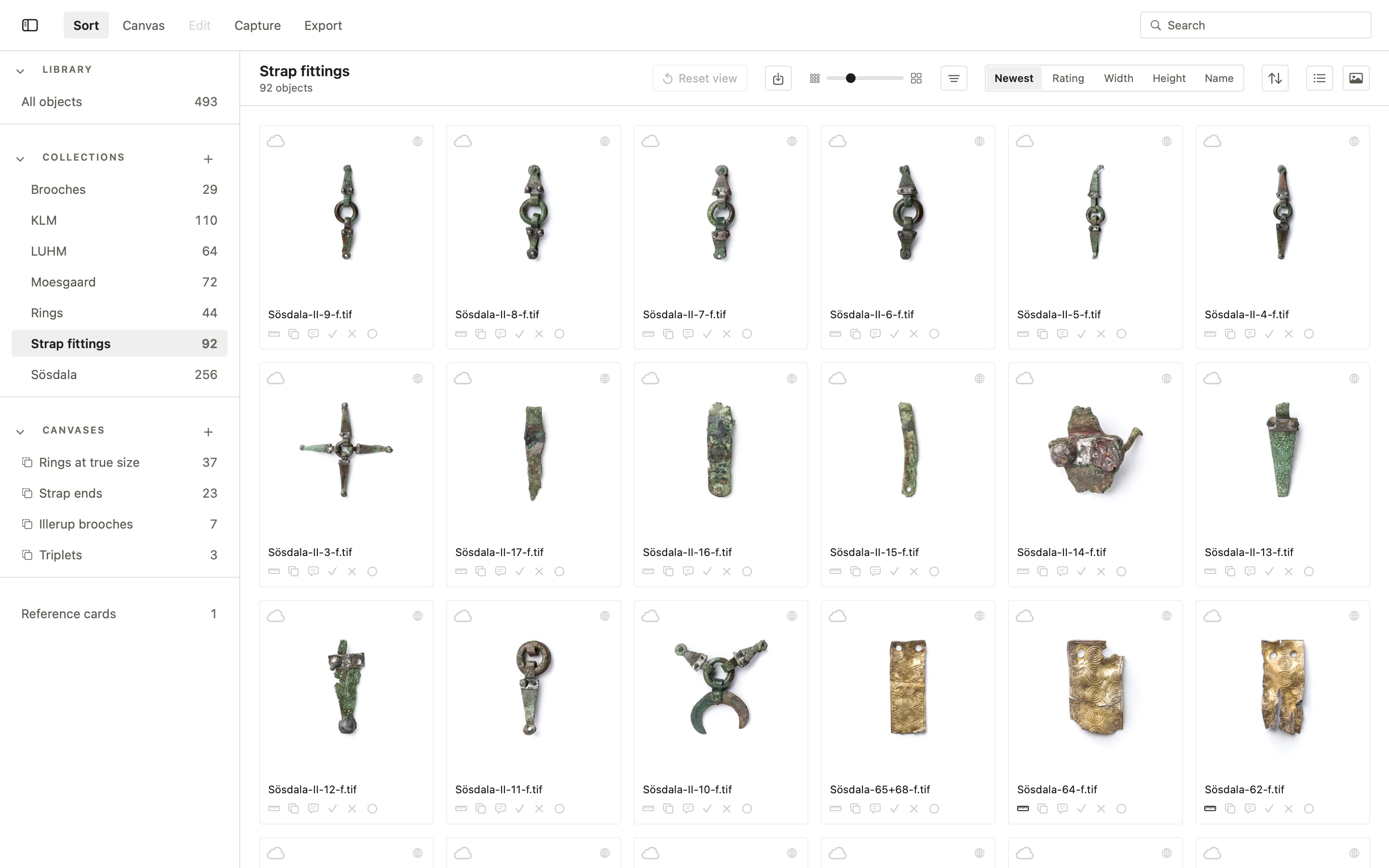
Objects sit in a tree of collections, each with its own metadata and presets, filled into every object imported into it. Save a record as a template and lay it on many objects; it fills what is empty and never writes over what is there. Records follow controlled vocabularies and the organisation’s own fields, with a light that says when a record is complete, and a term of your own can be added with a suggestion from the Getty AAT. Older photographs, drawings, scans, reports and 3D models travel with the object.
Find it by looking
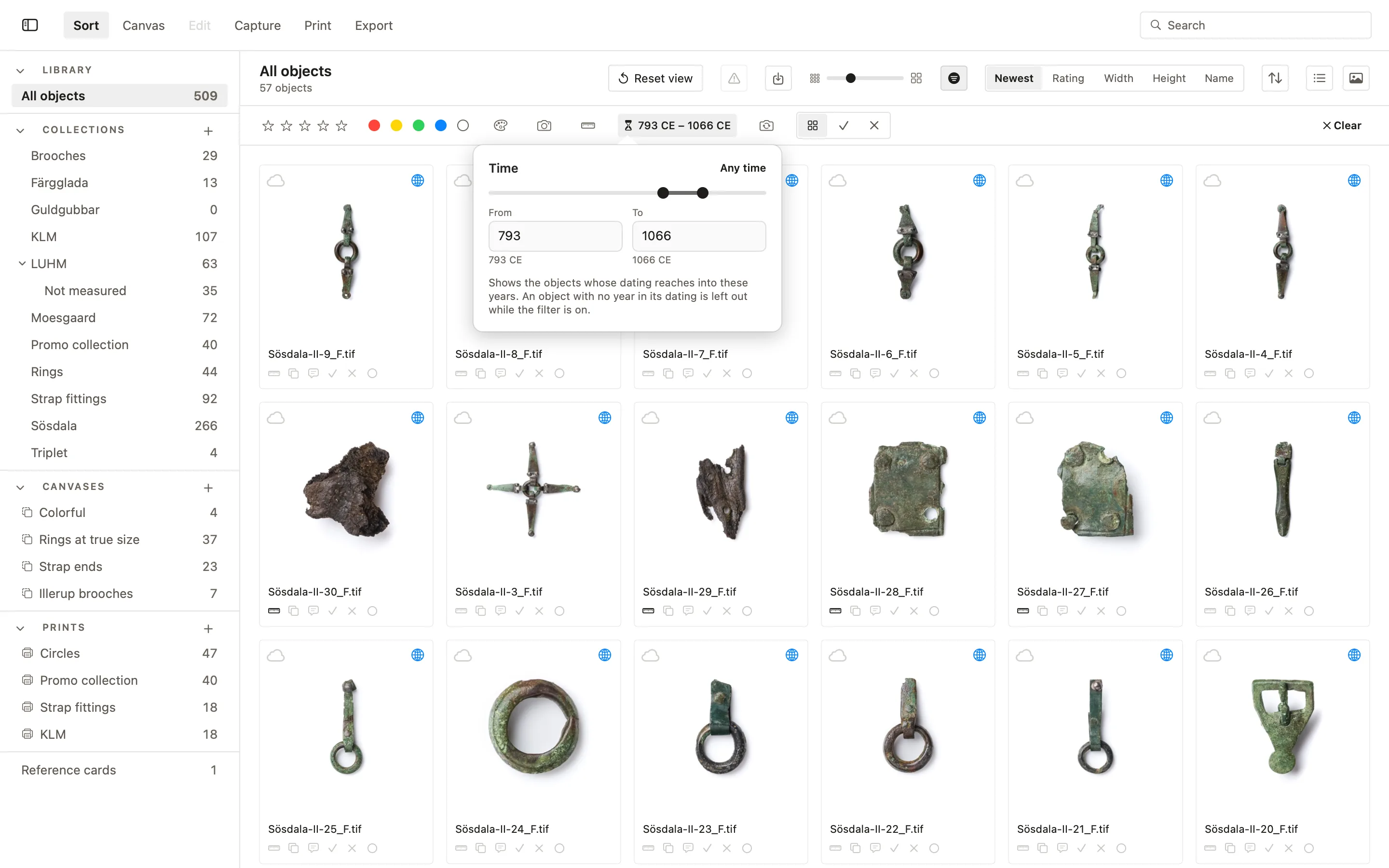
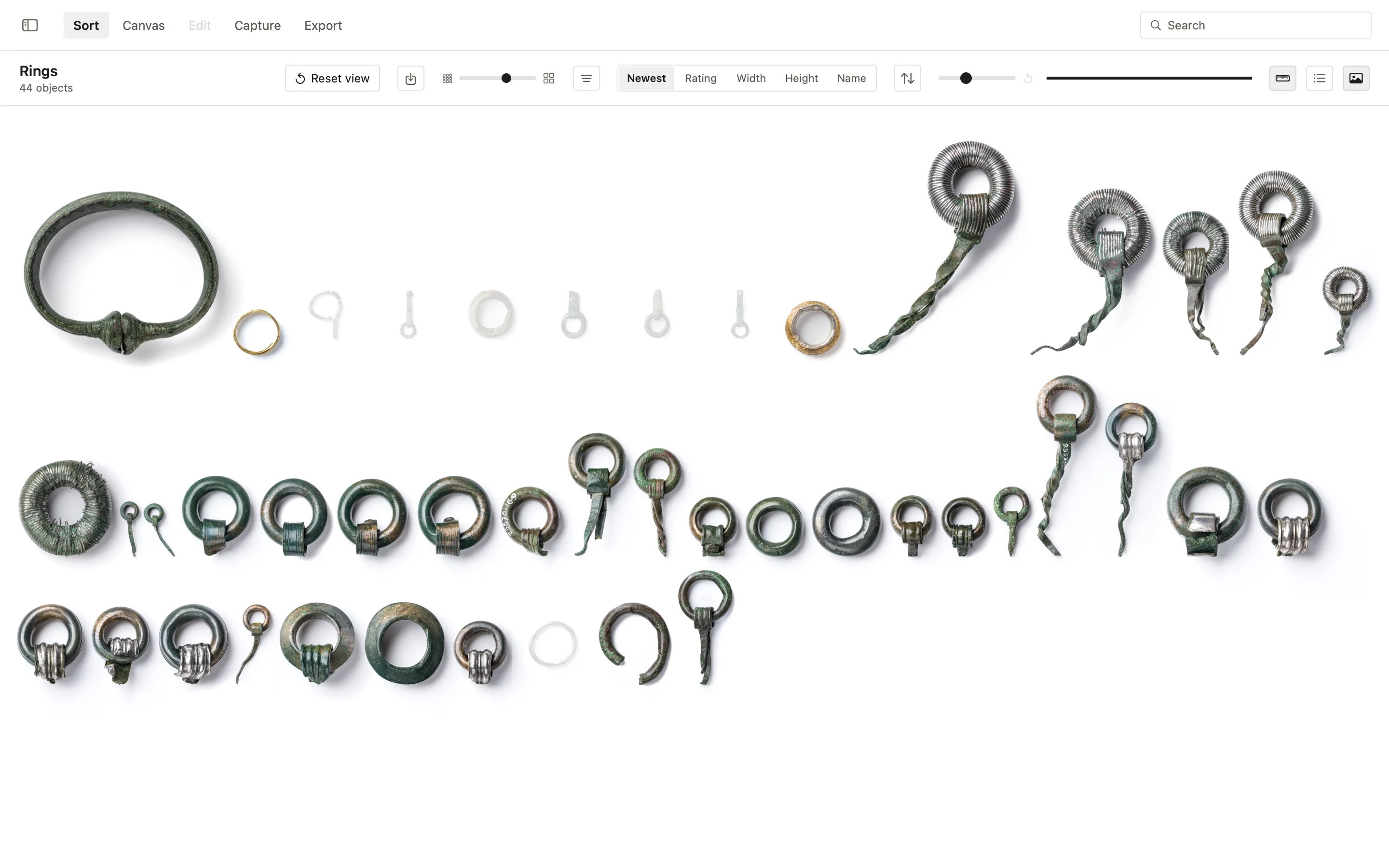
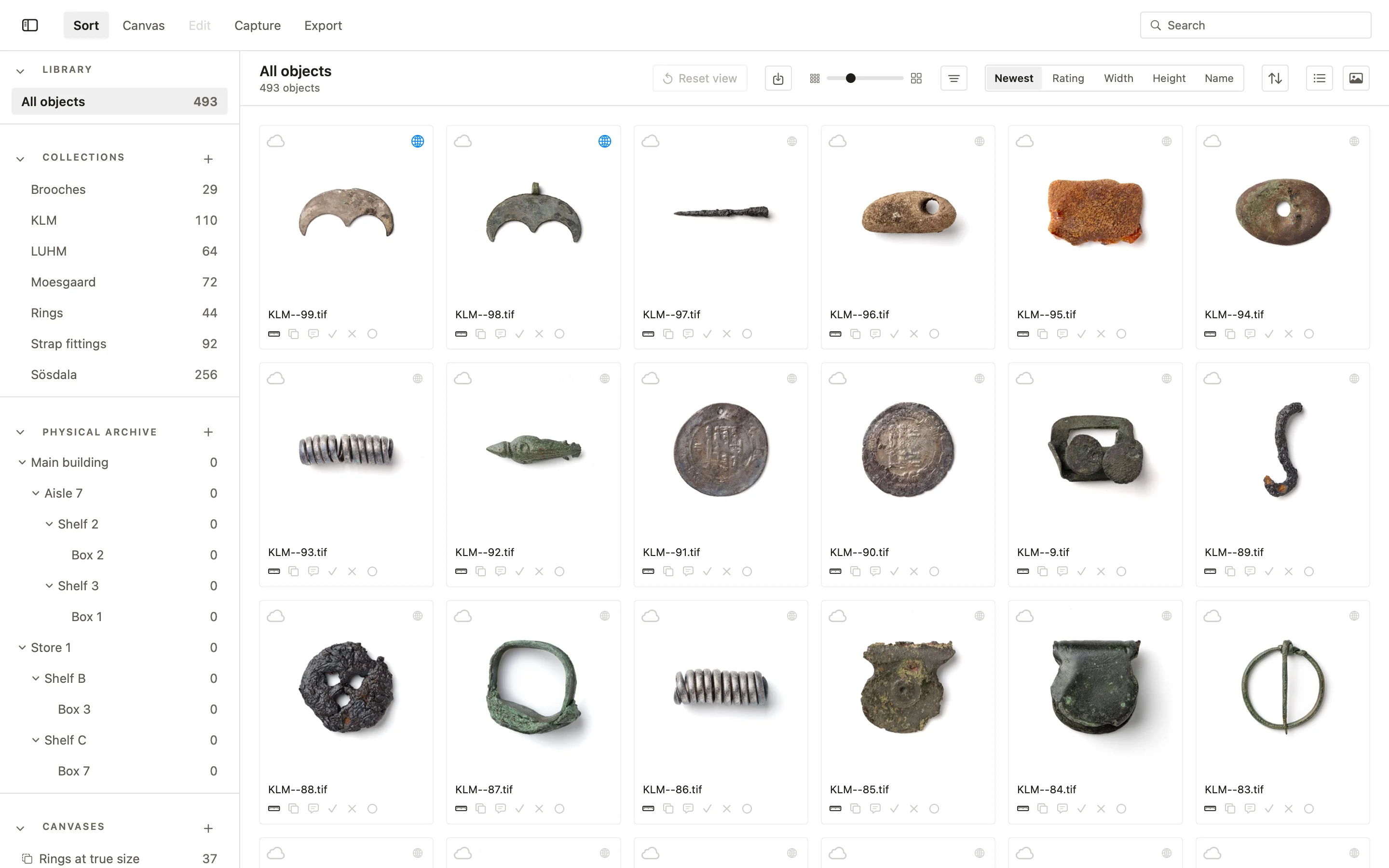
Sort shows every object on white in one grid, with ratings, flags, colour labels, search and filters, and keys for culling a sitting quickly. Search by colour: pick one on the wheel and see every object made mostly of it, measured, not guessed. Order the grid by width or height, which are the objects’ real measurements, and it reads as a size order. Sort through time sets a start and an end on a slider and shows the objects whose dating reaches into those years.
More in the PHOTARCH app
Try it on your own collection
Free to start · macOS