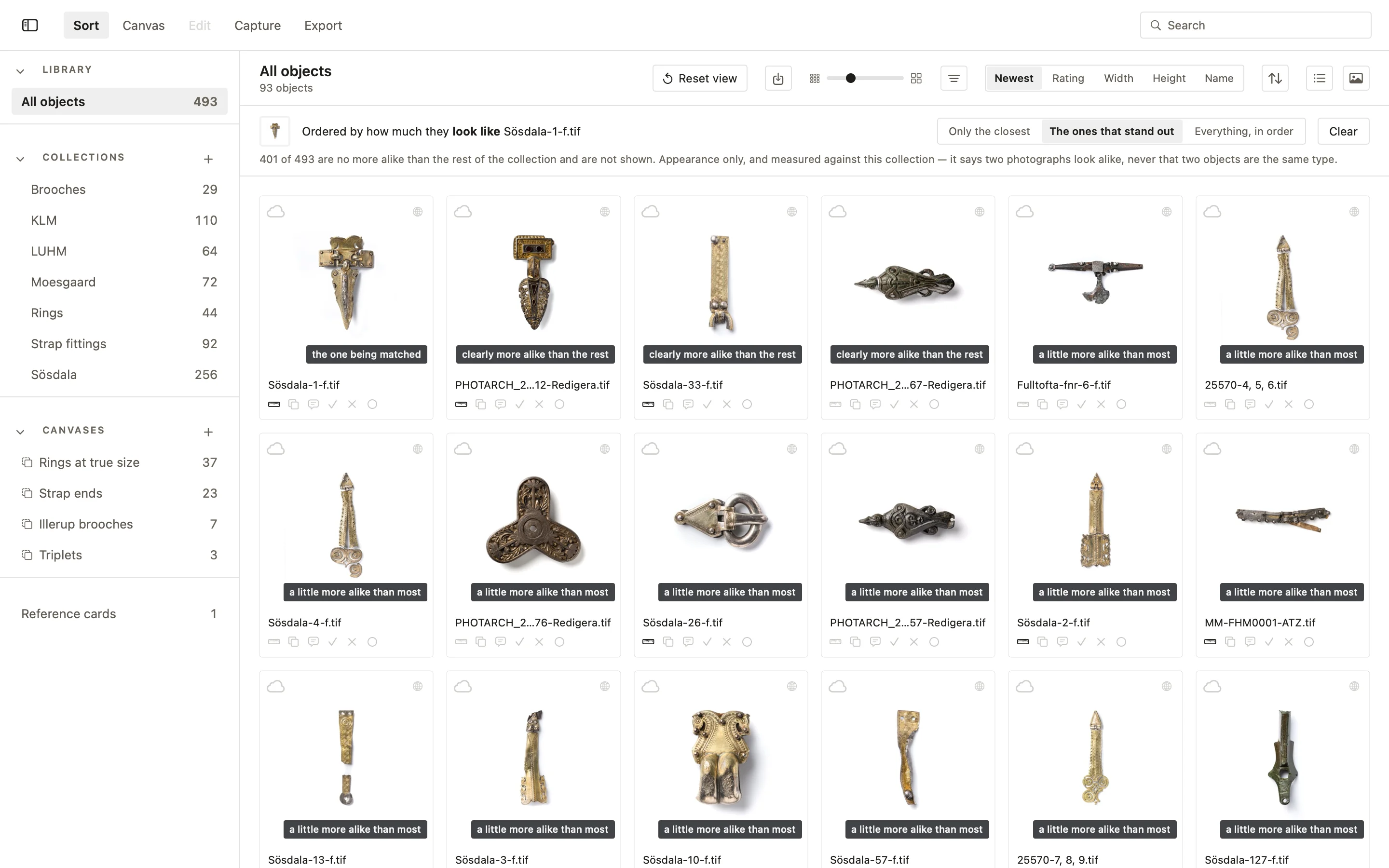
Sort by appearance
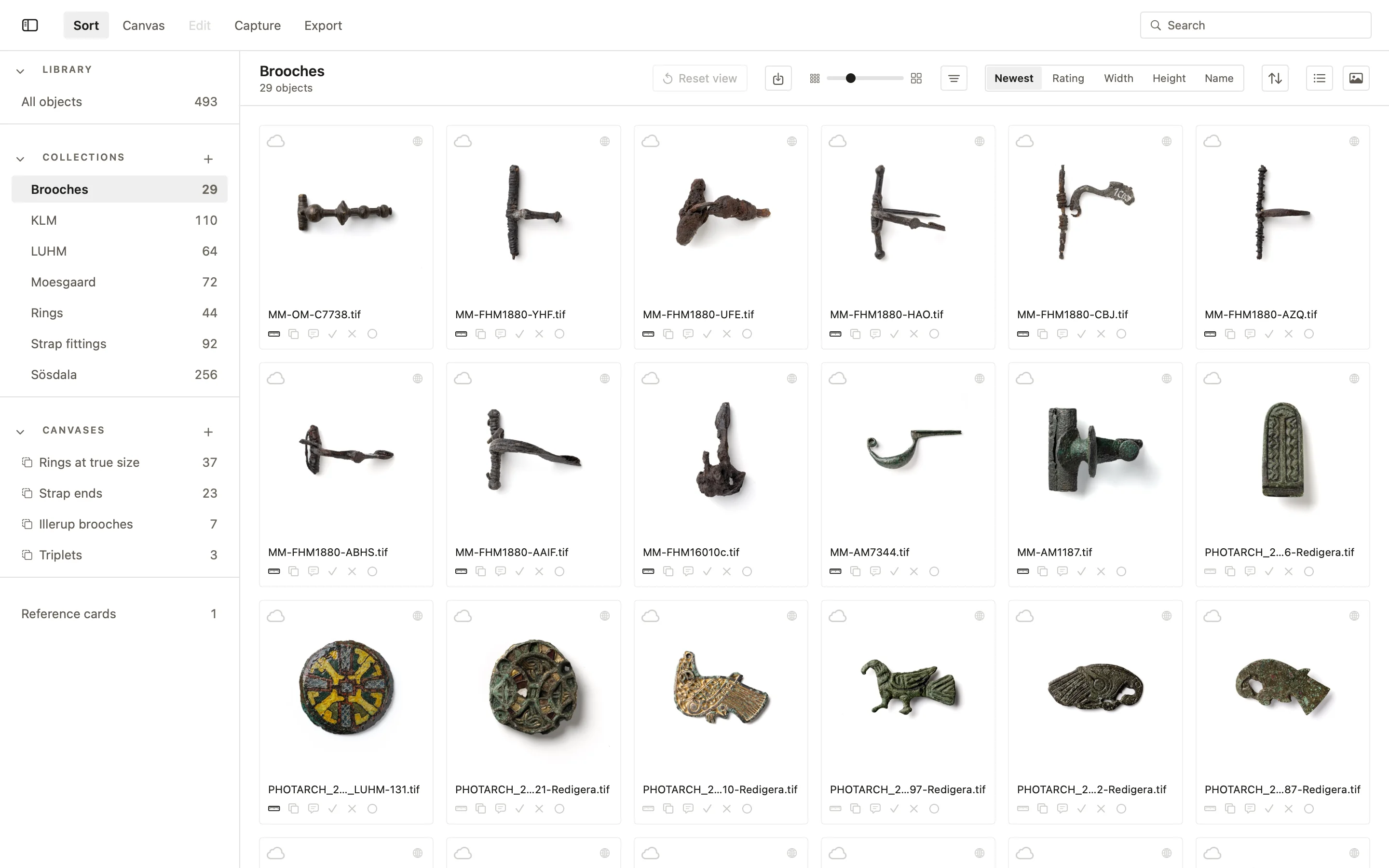
Orders the objects by how much they look like one you choose, so similar objects end up side by side without a word being typed.



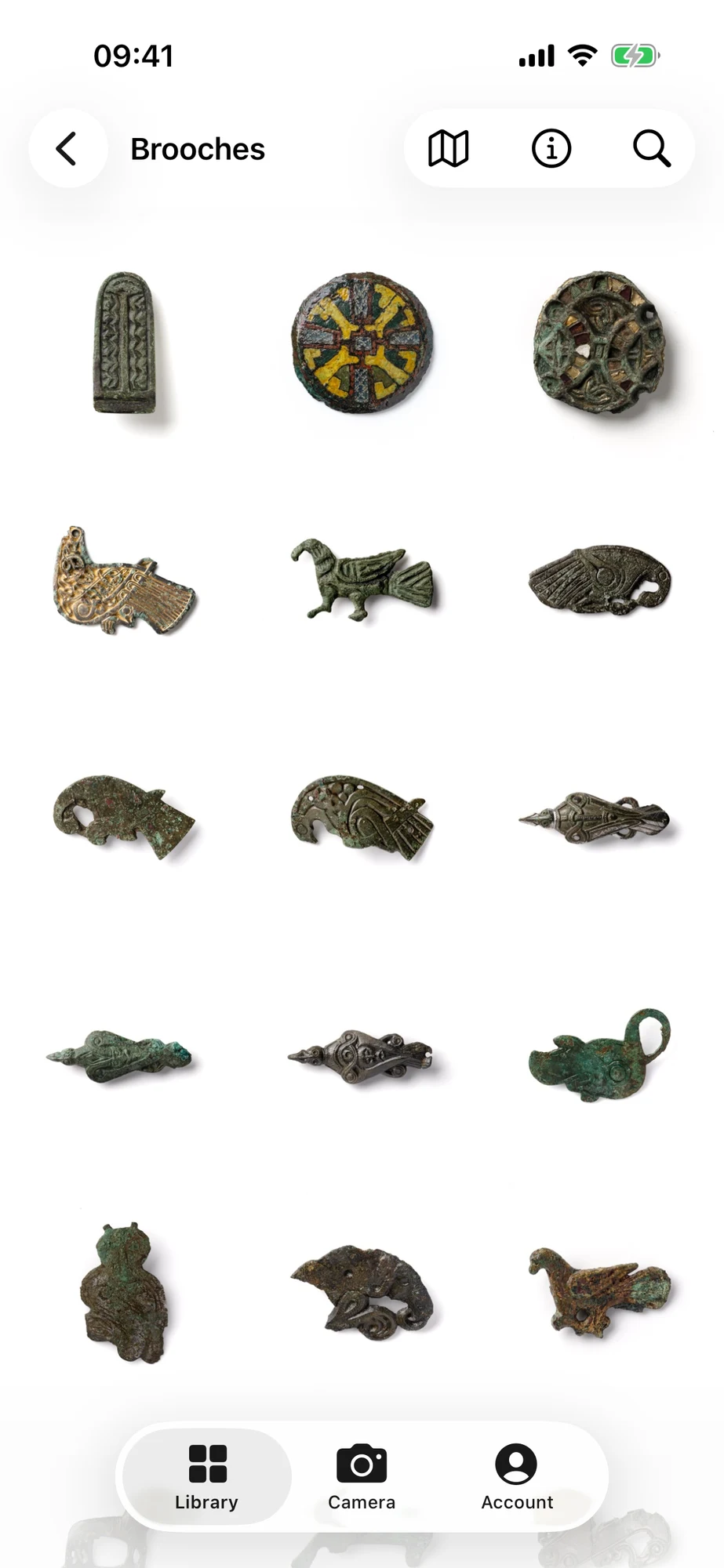
Title
Inventory no.
Museum
Period
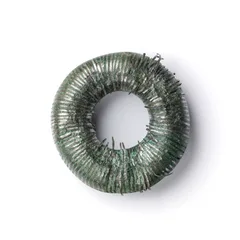
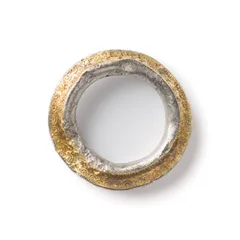
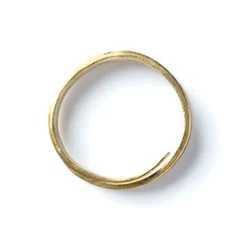
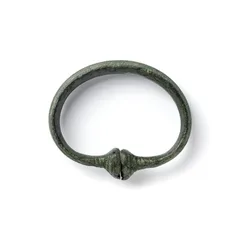
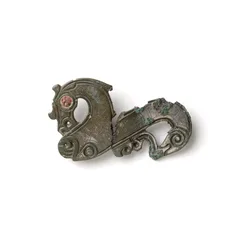
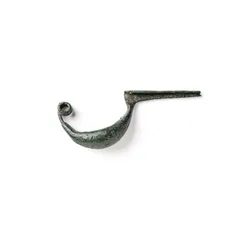
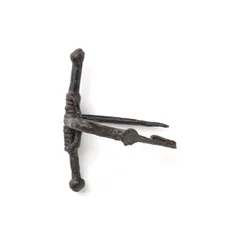
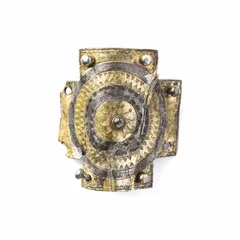
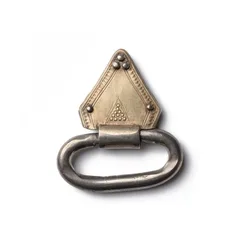
 FibulaSHM 07388:0002Medelhavsmuseet
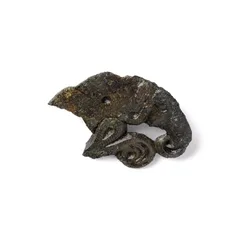
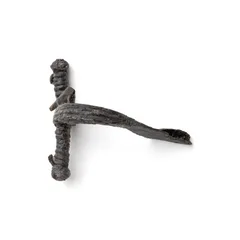
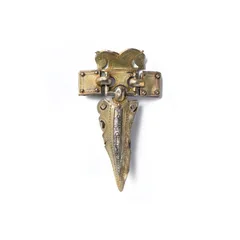
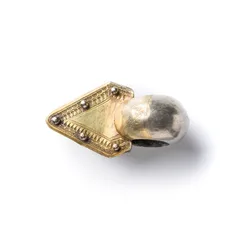
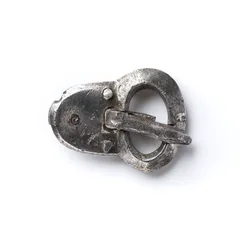
 Mandoline-fibulaM 1950/1.21Rijksmuseum van Oudheden
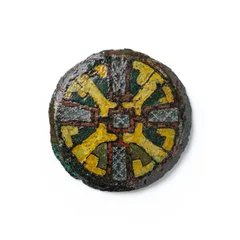
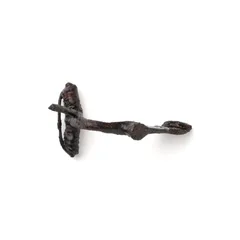
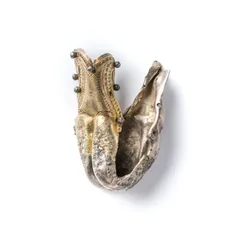
 FibuleKIK-IRPA 158912KIK-IRPA, Brussels
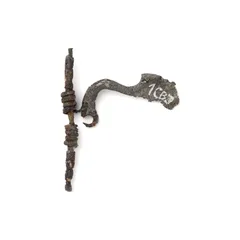
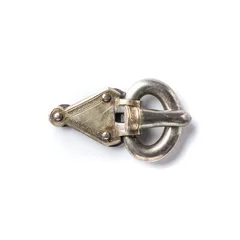
 Fibula0012_ORIPalazzo Madama, Turin
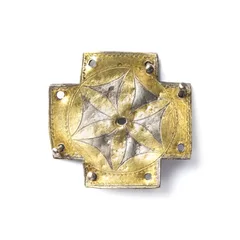
 Korsformig fibulaGAM:3291Göteborgs stadsmuseum
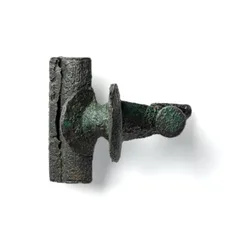
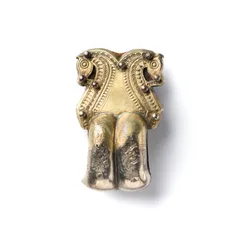
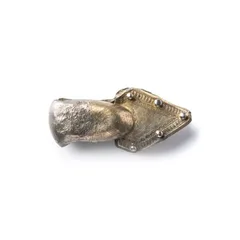
 FibulaGAM:48303Göteborgs stadsmuseum
You search with your eyes, compare objects across collections and edit using your AI.
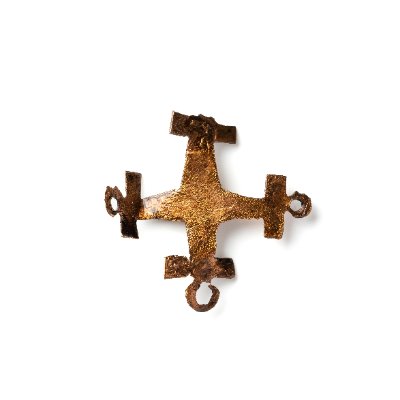
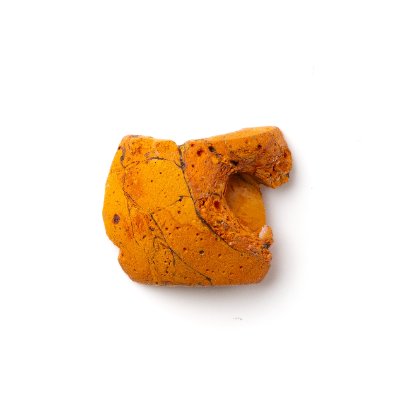
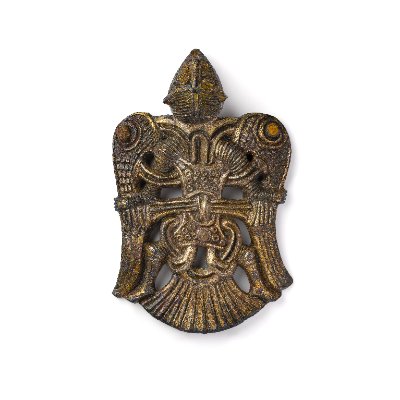
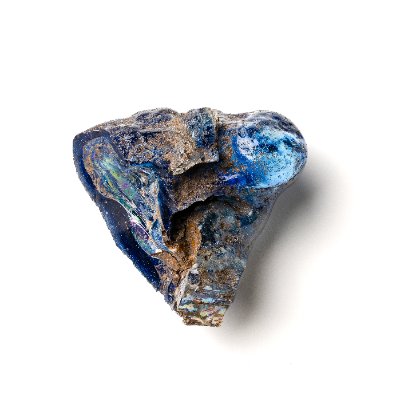
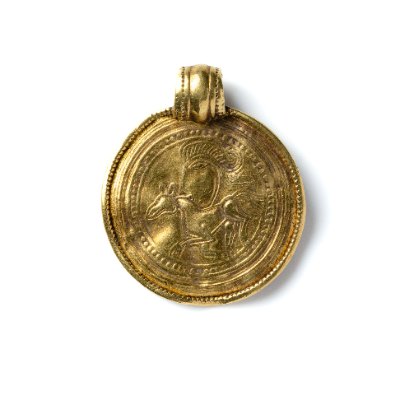
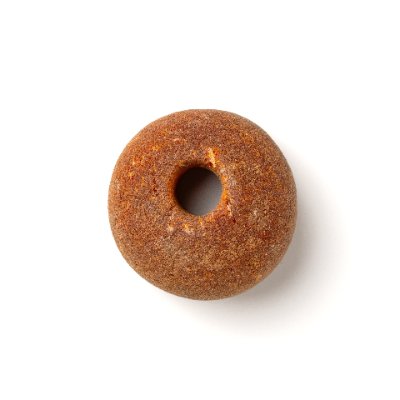
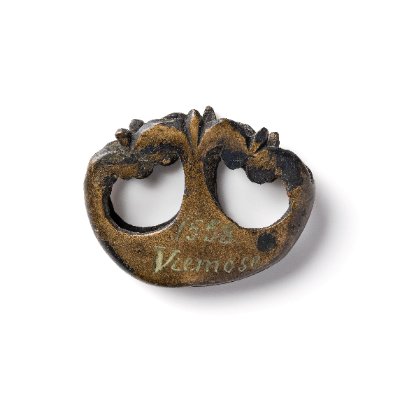
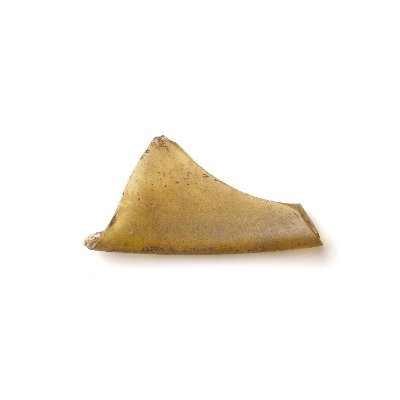
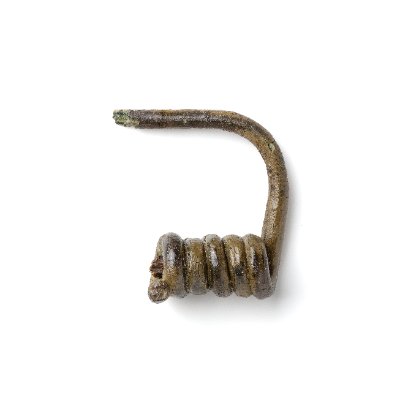
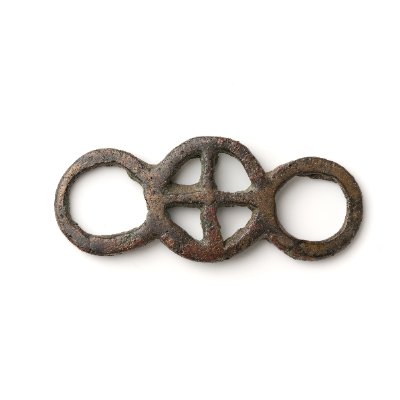
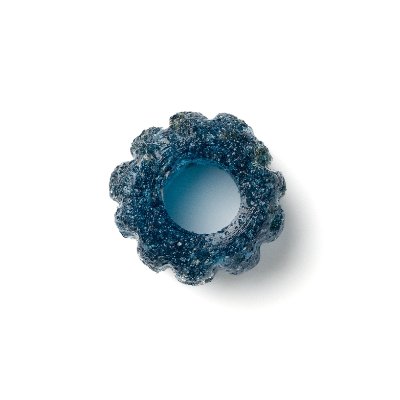
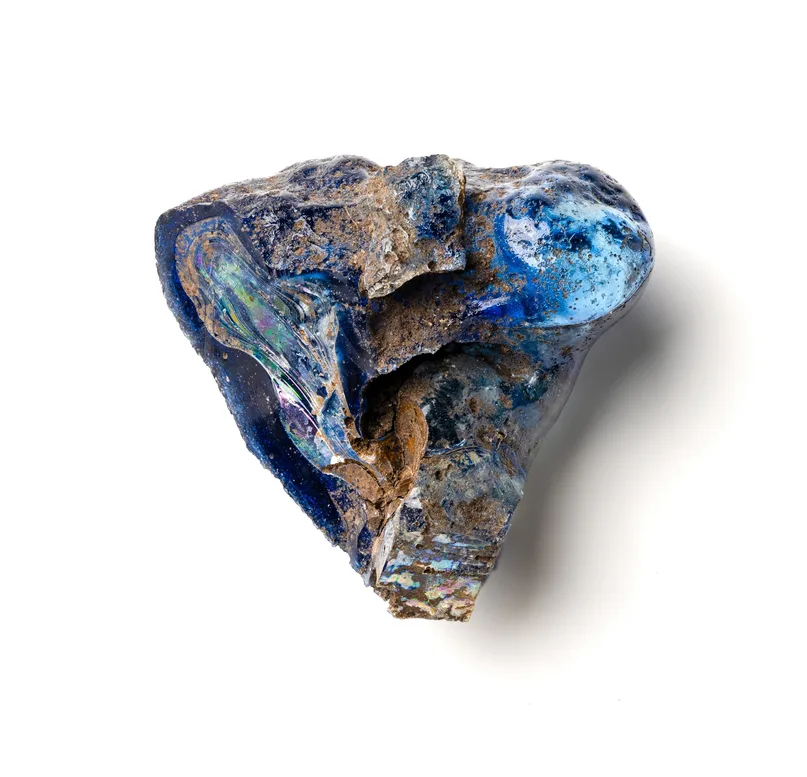
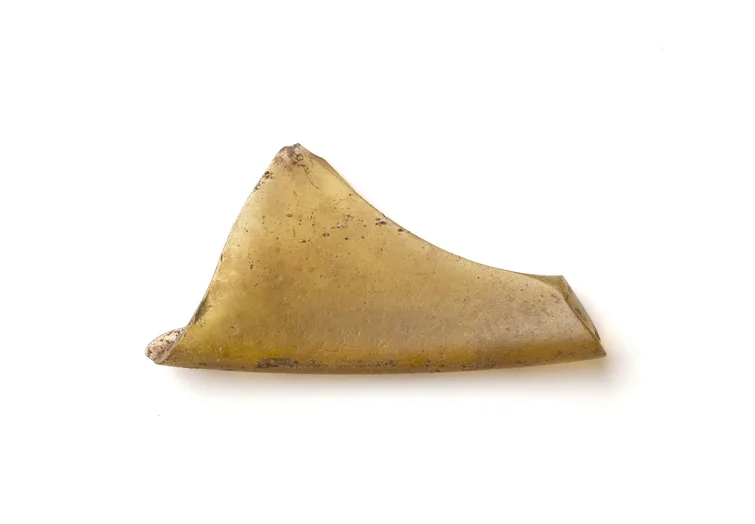
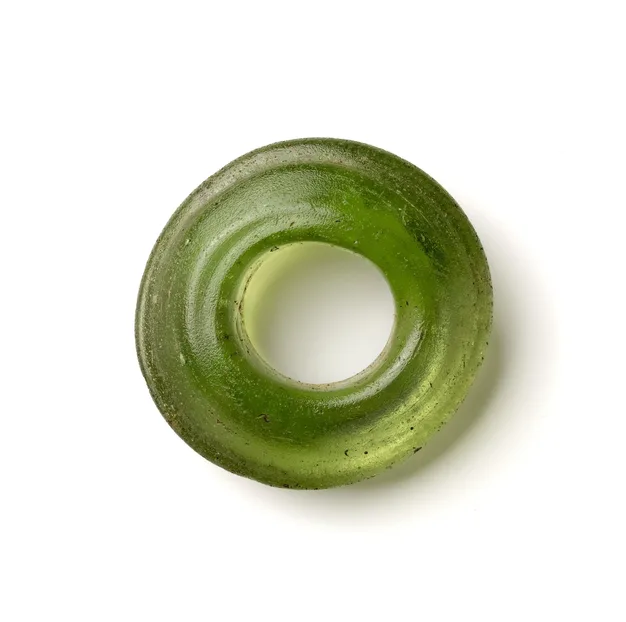
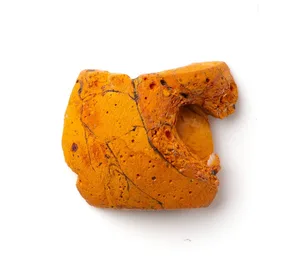
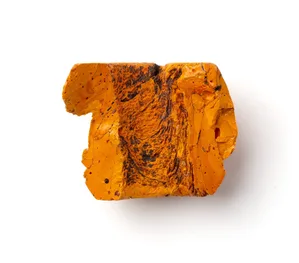
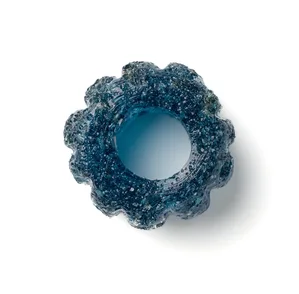
Made to suit the smallest collections or the biggest archives
Library
All objects
Collections
Glass
Bronze
Pendants
The first time you open the app, you choose where your library lives and what it is about. That one choice sets the app up for your kind of collection.
Only the fields your collection needs. A collection of stamps never asks for an excavation number.
Vocabularies for your field: the types, materials and dates that make sense for what you keep.
What has to be filled in before a record counts as complete, judged by your field and not by another.
Ready-made export presets, with the formats your field uses first.
A preset is a file. Take away, add and make it your own.
Today
In development
The PHOTARCH web archive holds archaeological objects, so publishing there belongs to the archaeology field.
From here on, every example comes from archaeology, where the method was developed and where the archive’s objects come from. The app works for any collection.
Not every photograph is alike
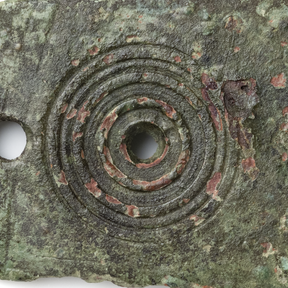
The app says, for every picture, which of them it reaches — and what keeps it from the next. Below, the same twelve millimetres of one object at each level.
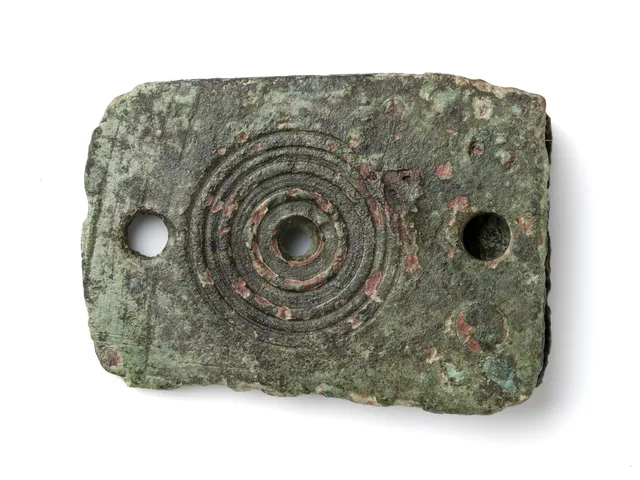

4 px/mm · about 100 ppi
To know which object it is
Inventory, loans and condition reports: enough to recognise the object and tell it from the next. Any camera, any file.
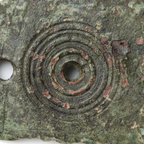
12 px/mm · about 300 ppi
To show and publish it
Catalogues, exhibitions and the web, and a print at life size. The scale is set, the colour checked against a ColorChecker, the file raw or lossless.
24 px/mm · about 600 ppi
For research, down to the detail
Kept at about 600 ppi, so you can zoom in on decoration, tool marks and wear as under a loupe, and measure on the picture itself. Scale from calipers or the board, a 16-bit TIFF.
Each level asks more of the picture: the resolution at the object, the scale, the colour, the clipping and the share in focus.
01 — The difference
▸ 21PHOTARCH
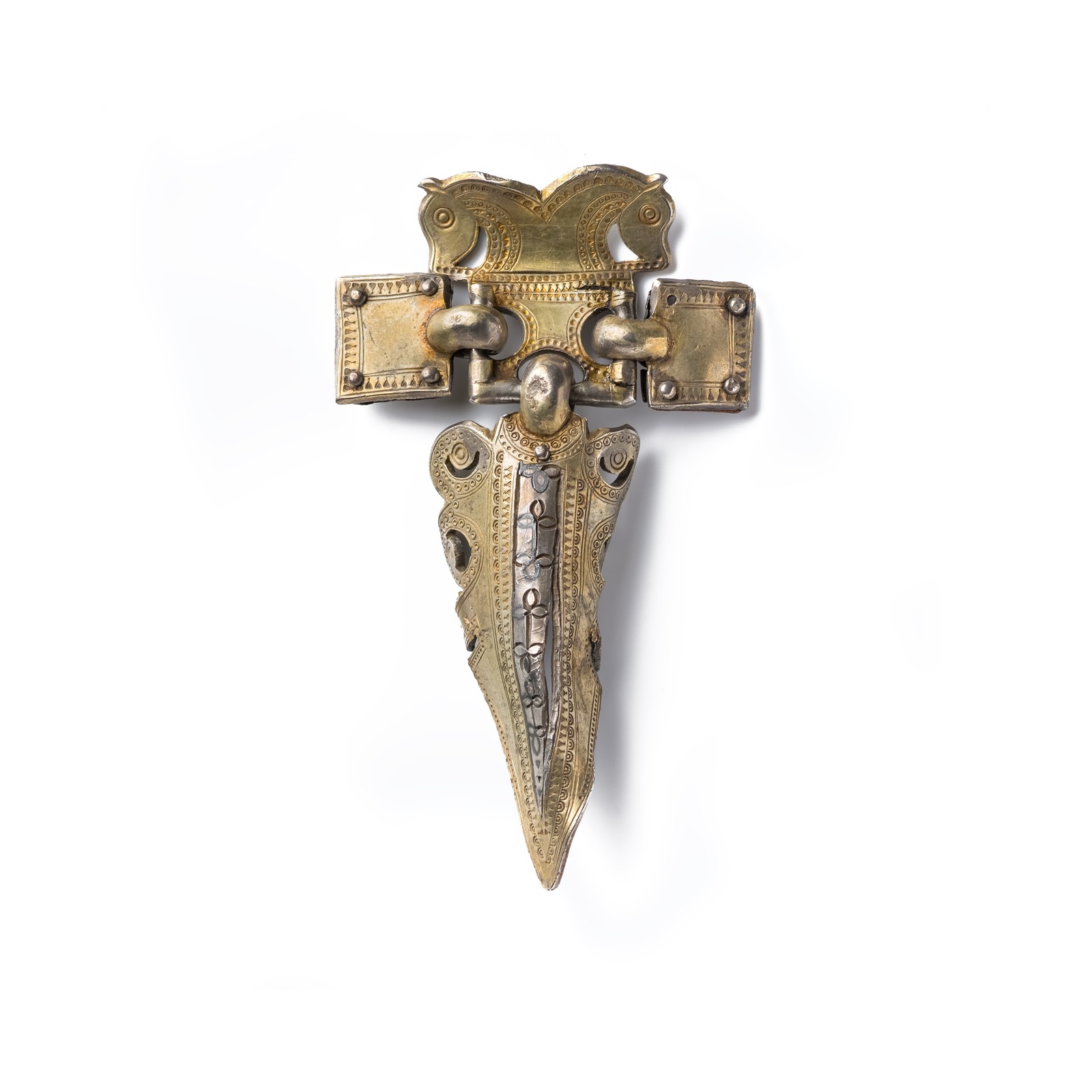
5063
▸ 21ASAFETY FILM
▸
▸ 22PHOTARCH
IMG_4402.JPG5063
▸ 22ASAFETY FILM
102.0 × 59.4 mm▸
Its size is anyone’s guess.
Lit by whatever was in the room.
The file says nothing about what it shows.
Millimetres per pixel, colour against a ColorChecker, and the record inside the file.
Digitisation comes with a long list of standards, rules and recommendations, and as many abbreviations to tell apart. With PHOTARCH you do not have to: it does all that for you.
Take the picture as well as you can. The app brings it to its best version, without ever altering the original, and says in plain words what it is fit for: a record shot, a study or a reproduction. When you are ready you export it with everything it needs for where it is going next.
FADGI, ISO 19264-1 and Metamorfoze were written for paintings, documents and other flat originals. The app keeps them out of the way, and turns them on, clearly labelled, for whenever they are needed.
02 — The method
1
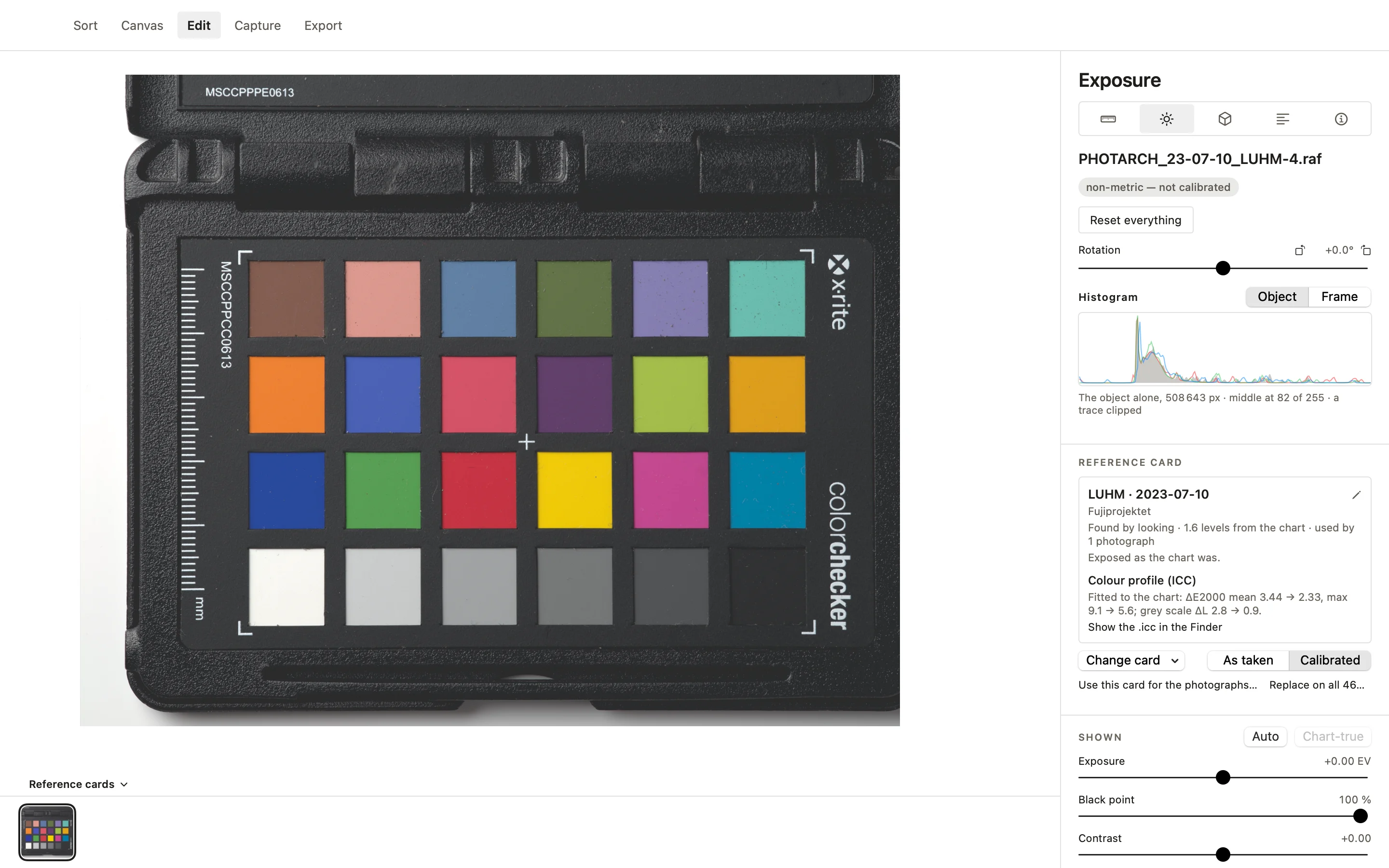
The app checks exposure, sharpness and colour — while the picture is taken and after. At capture, three lights say whether the middle of the frame is sharp, whether highlights are clipping and whether the board reads flat and square. Afterwards it measures the scale, the resolution at the object, how much of the object is in focus and how much of it is clipped, the colour against a ColorChecker, the bits the camera recorded and the format, and says what each picture is fit for: a record shot, a study or a reproduction, and what keeps it from the next. For paintings, documents and other flat originals, FADGI, ISO 19264-1 and Metamorfoze can be turned on.
2
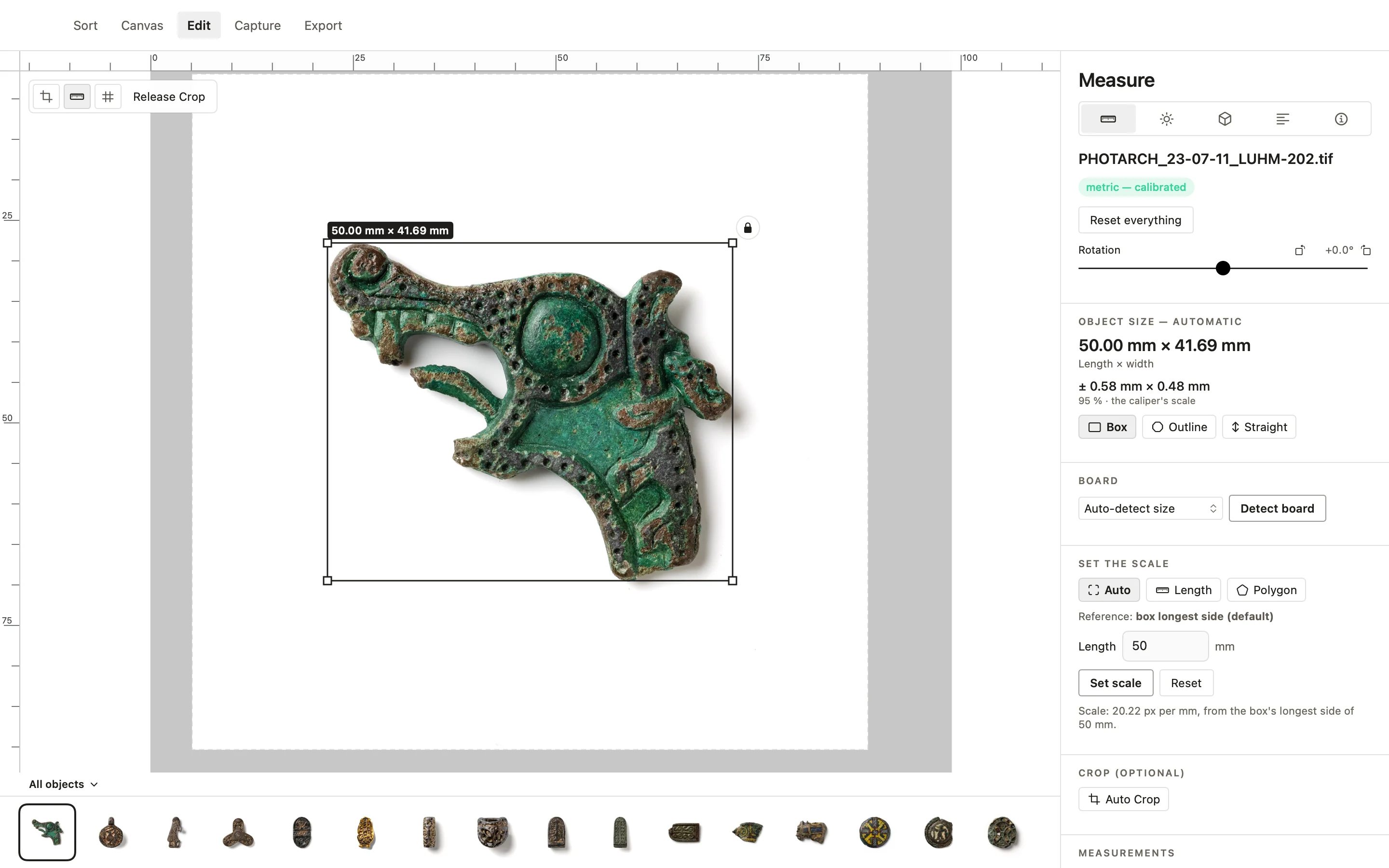
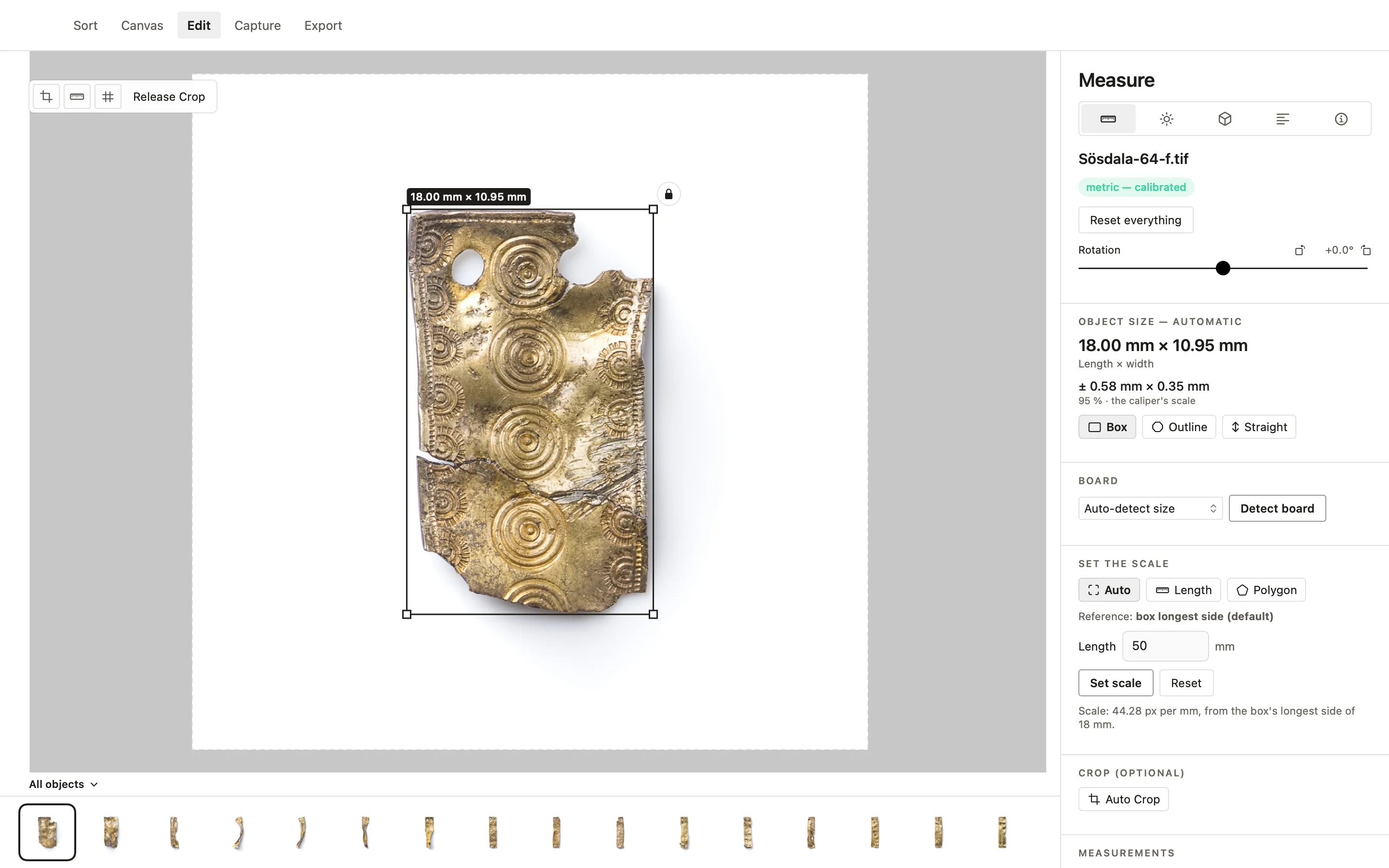
Scale comes from the object’s longest side, measured with a digital caliper — or, calibrated, from the PHOTARCH board, whose markers lie in the object’s own plane — not from a guess. A ruler in the frame is only a fallback. Every object carries millimetres per pixel, a bounding box and its real dimensions, so two objects can be laid side by side at true size.
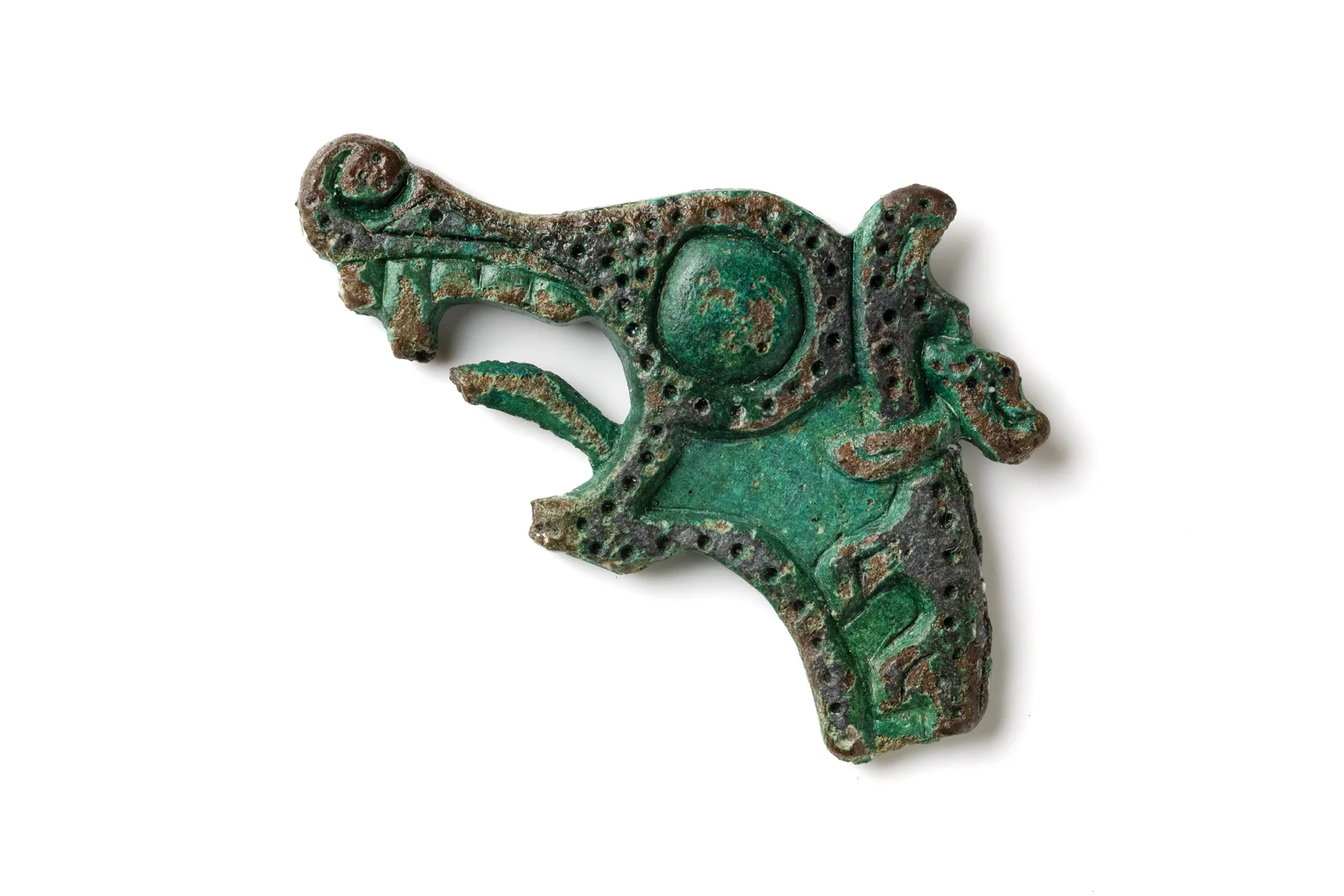
3
The master is never altered. An export gathers what the museum’s own collection system takes in — the TIFF, a JPEG, the attachments and the record as CSV or a standard format — with the metadata written into the files, so the evidence survives the software that made it.
03 — The collection
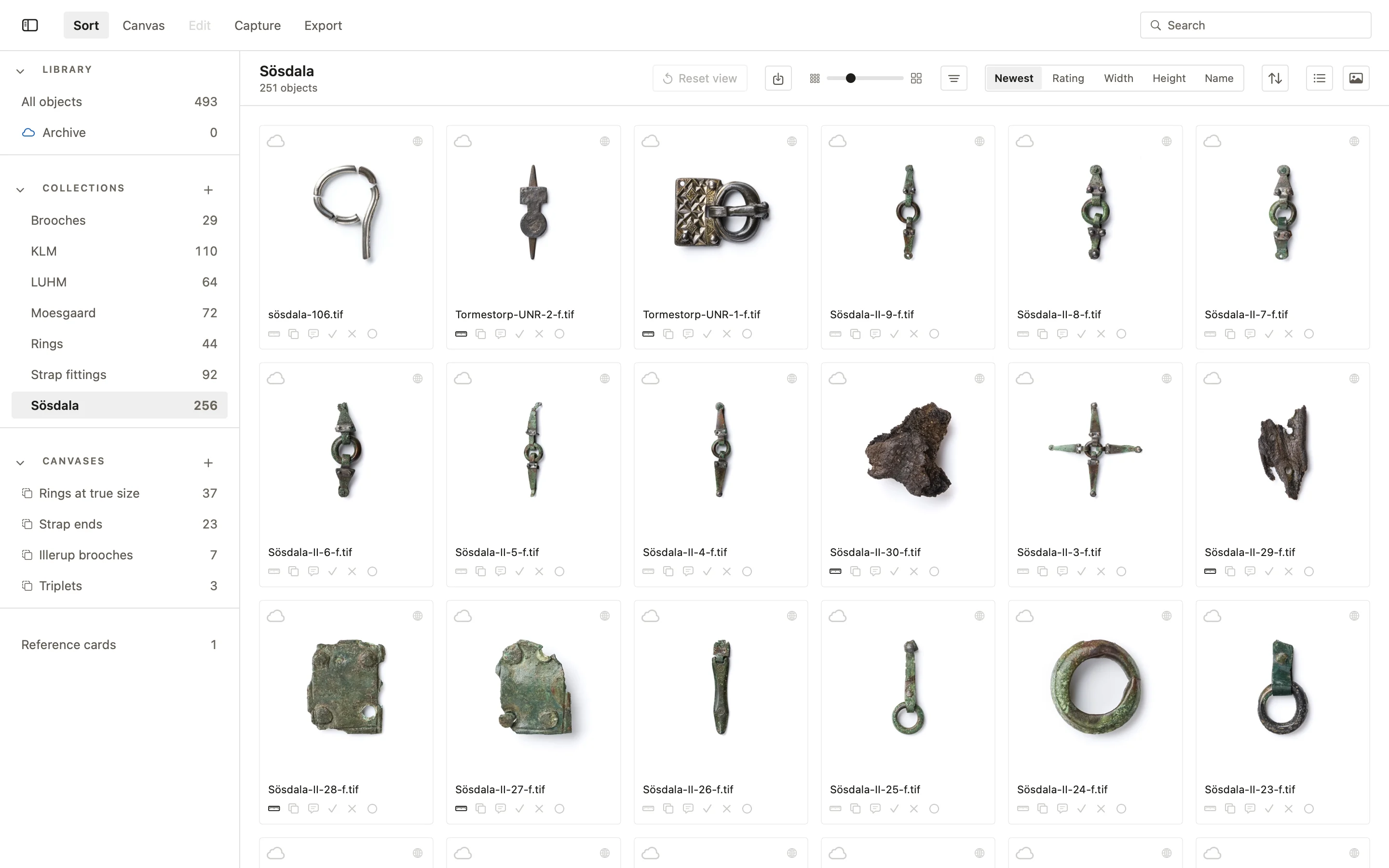
A private collection, a society or a small museum can keep everything here: the record, where each object is kept and what happens to it. A large museum keeps the system it has, and PHOTARCH hands it better material, ready to import. Either way, every object can be compared with any other, in scale.
The record, where each object is kept, and everything that happens to it, on the organisation’s own computers. The organisation can choose to share its store map — the places and what stands where — so every computer sees the same one; never the pictures, the records or a find spot.
Controlled vocabularies, the organisation’s own fields, fragments and angles, notes and attachments — and rights and embargo per object.
Shelf, location and accession number, kept inside the organisation — never published.
Intake, acquisition, location and movements, inventory checks, condition, conservation, loans out and in, exhibitions, valuation and insurance, damage and loss, use and reproduction, deaccession — each a dated entry, as often as it happens.
An entry is written for a whole selection at once — a move of a box, a condition check of a drawer.
The organisation’s admin sets how everyone works with the material: which procedures are used, and how the store is laid out — row, shelf, box, object. The app follows them for every photographer.
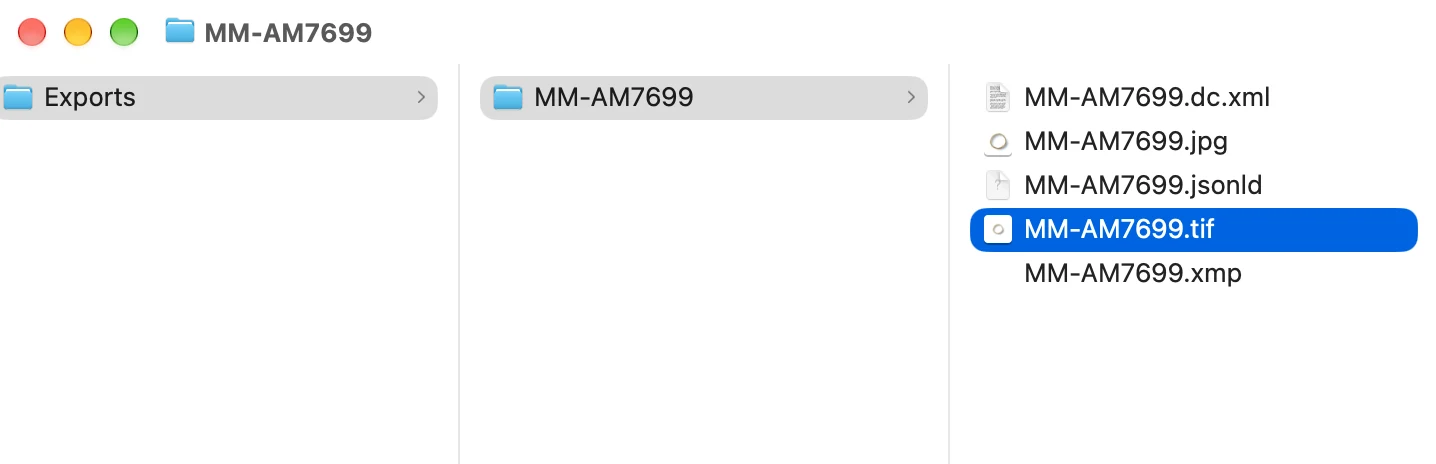
TIFF masters and JPEGs with the record embedded in the file as XMP, and the records themselves as CSV, Dublin Core, LIDO or JSON-LD — the formats collection systems import.
Records follow controlled vocabularies and the organisation’s own fields, so what comes out matches the columns the system expects instead of needing to be retyped.
No migration needed. Begin with one collection beside the system you have, or let the app be the system if you have none.
04 — The app at work
One app, from the shutter to the archive — the library on the Mac and the camera on iPhone.
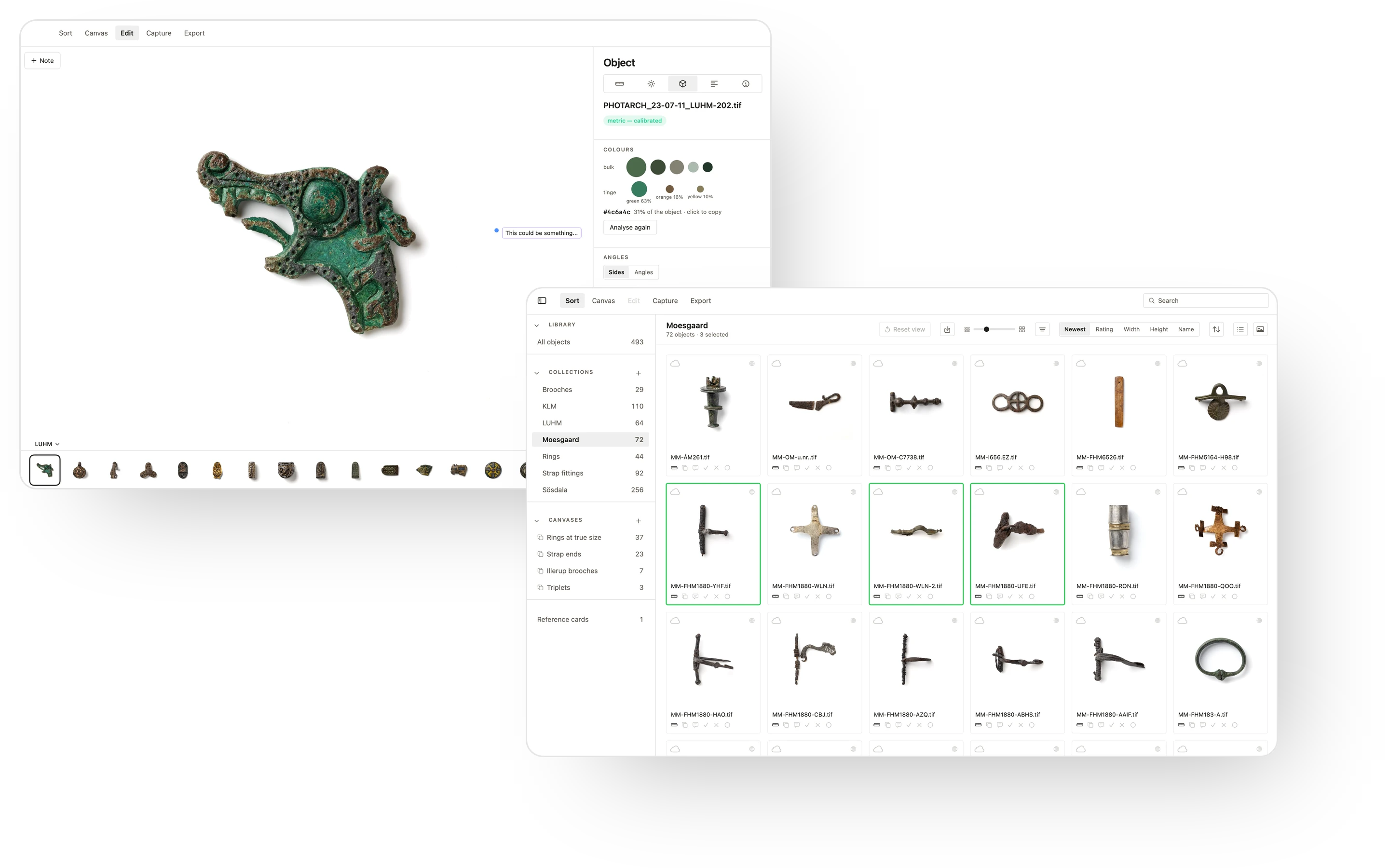
Orders the objects by how much they look like one you choose, so similar objects end up side by side without a word being typed.
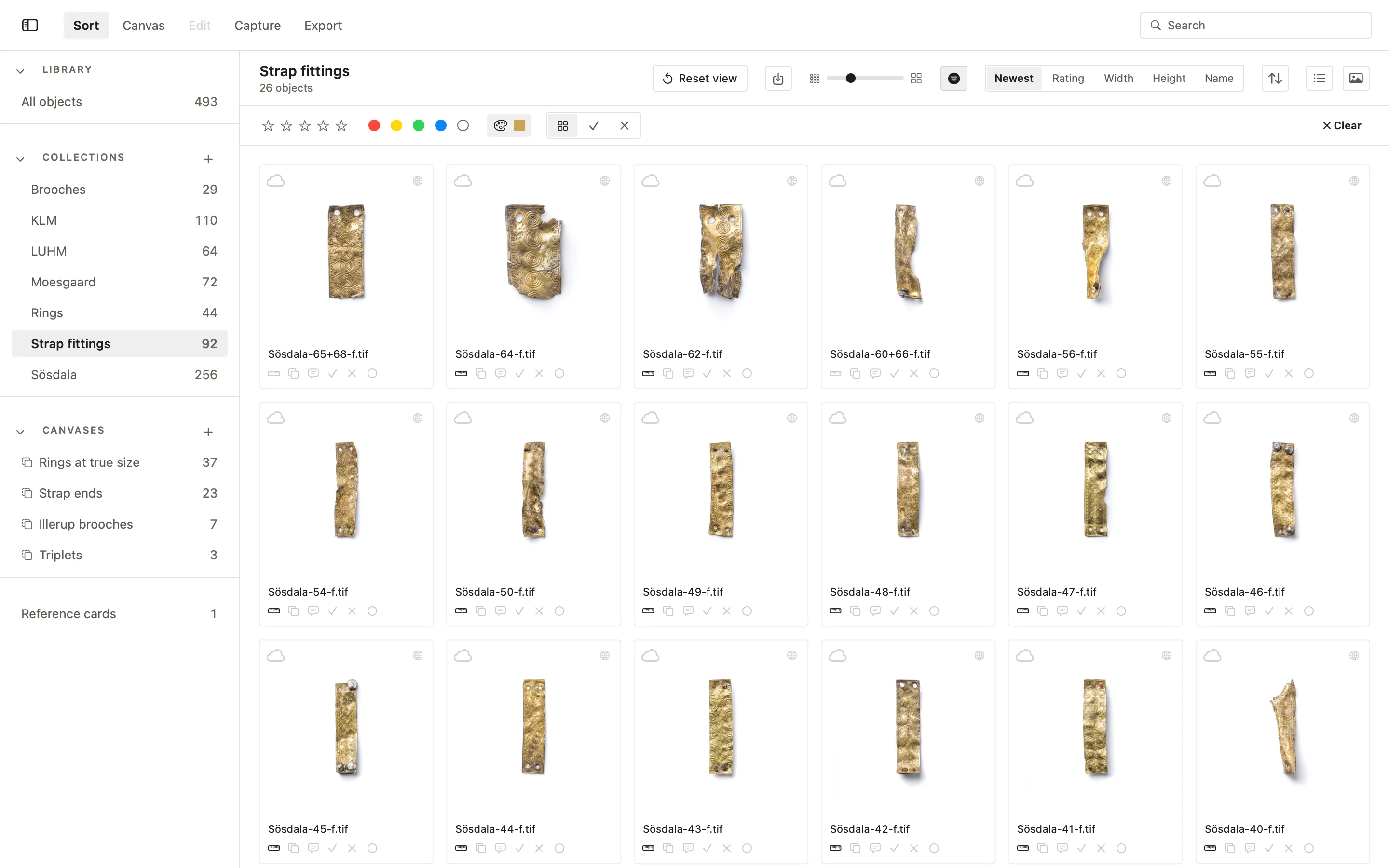
Pick a colour on the wheel and see every object that has it — the colours the object is mostly made of, measured, not guessed.
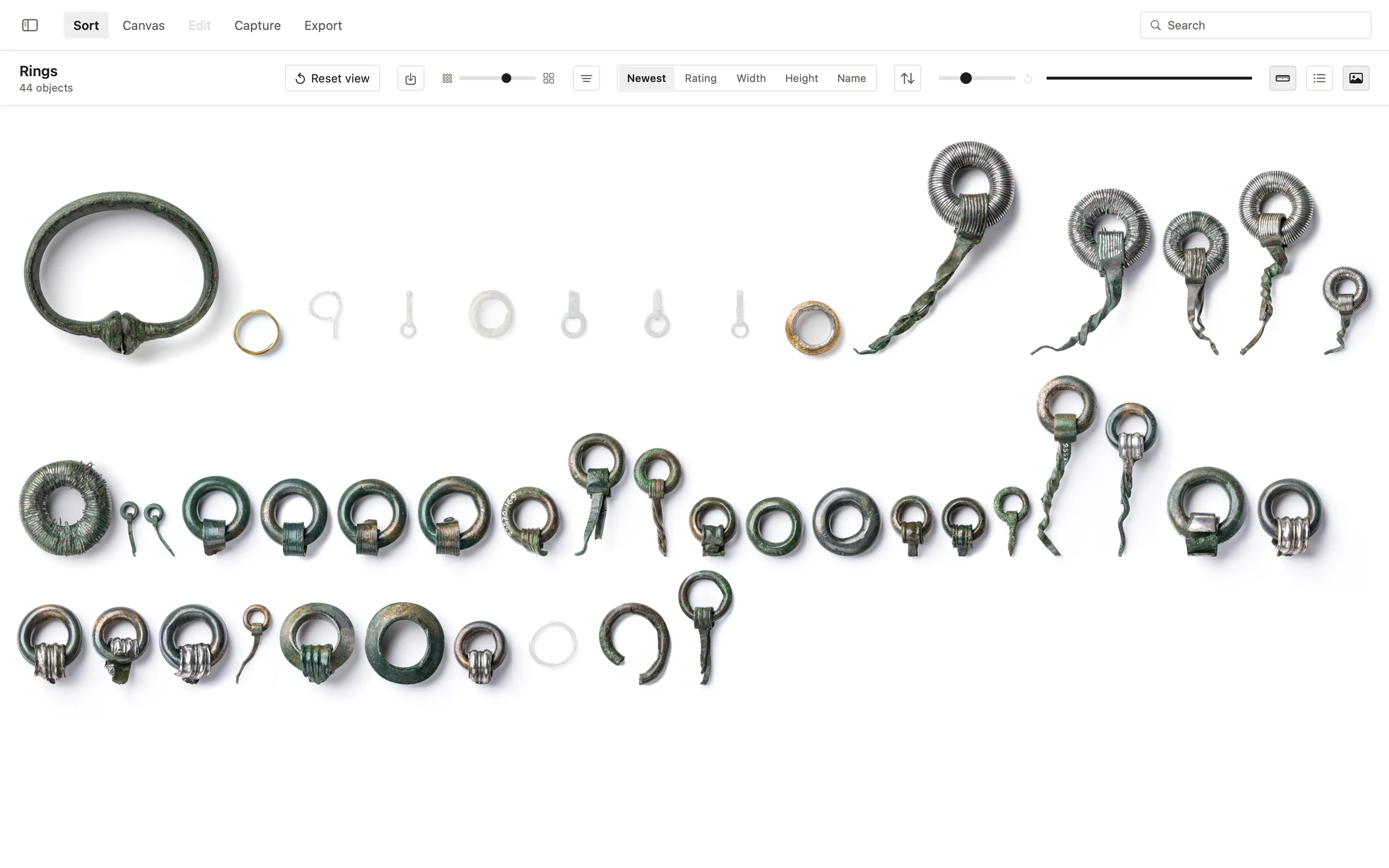
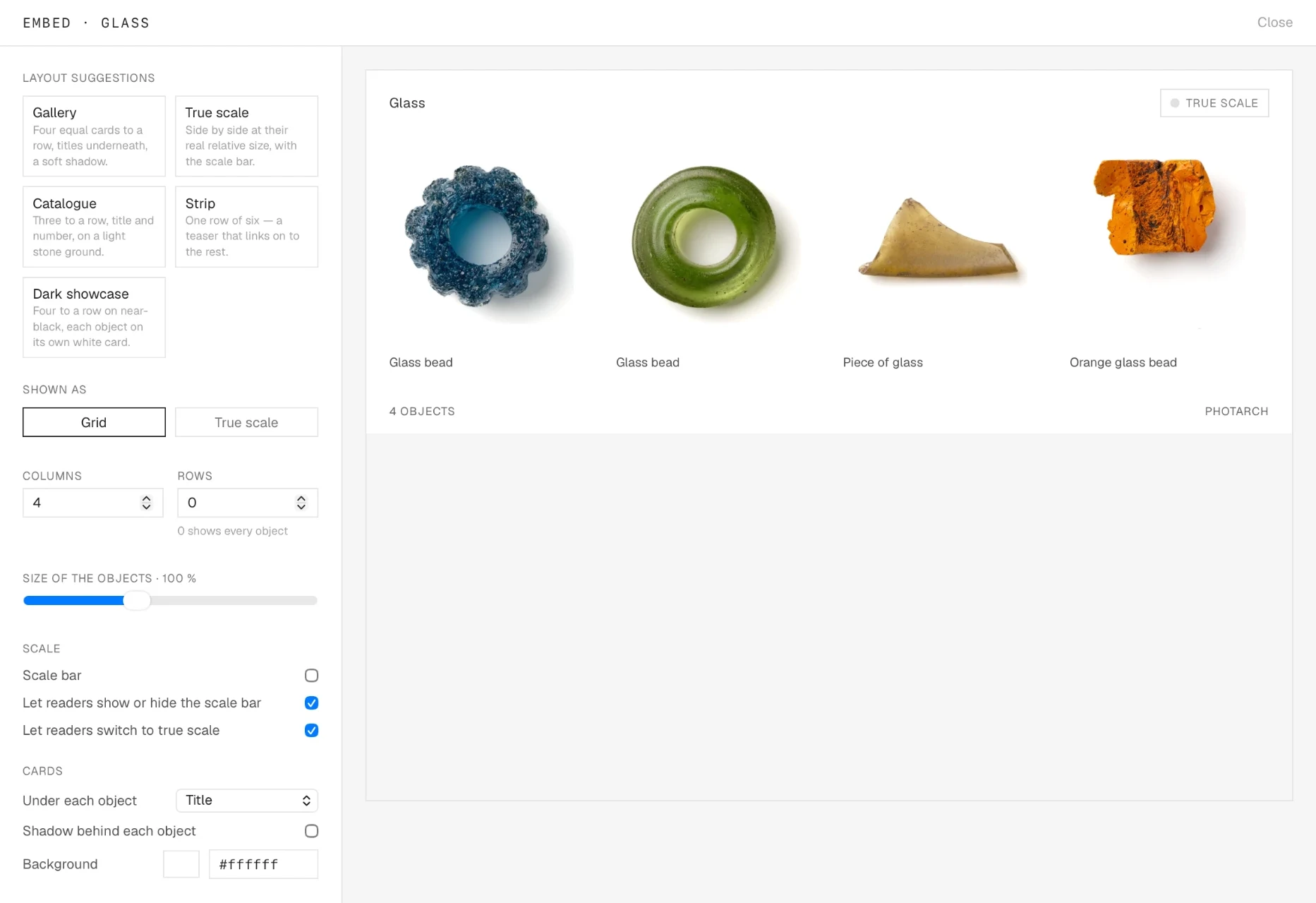
Objects shown at their true size relative to one another, with a scale bar.
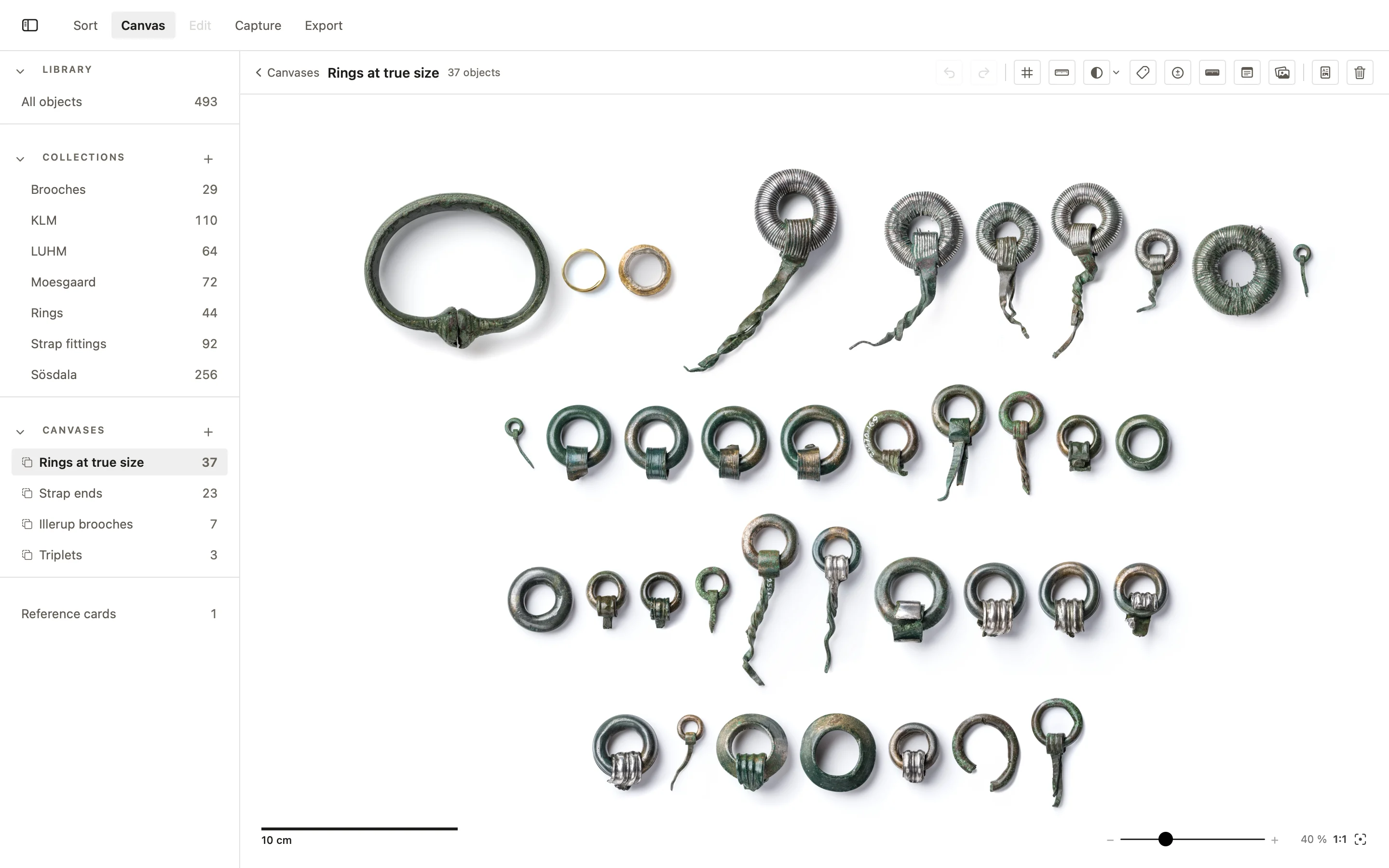
Lay objects out at their real size, turn them, annotate them, measure them and save the canvas as a PDF at true scale, to print or share.
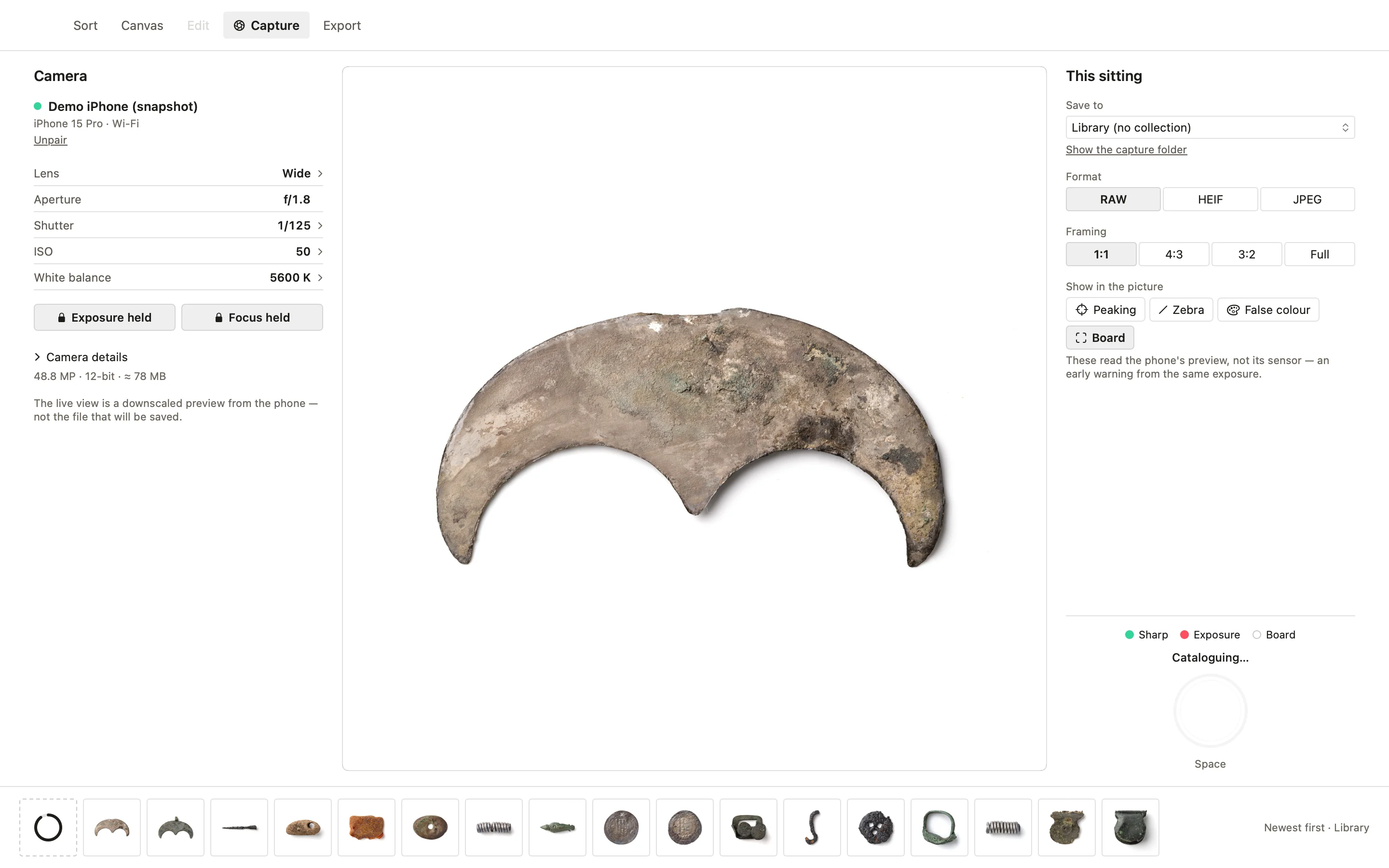
Shoot with PHOTARCH for iPhone, over Wi-Fi or a cable, straight into the catalogue — with exposure warnings and focus peaking in the viewfinder, and three lights, Sharp, Exposure and Board, that say whether the frame is worth taking. In an organisation, several photographers can photograph into the same library, one phone connected at a time.
On iPhone (coming soon, pending App Store review), place an object in the room at its measured size and walk around it — or a whole canvas, laid out on a table as it was arranged.
An object that is broken can be handled two ways, and PHOTARCH supports both. Each piece can be an object in its own right, marked as a fragment. Several fragments can also be treated as one object — kept together, and shown together as one.
Select the pieces in Sort and choose Link as Fragments. They become one group, which can be shown as one card; put the pieces on a canvas and move them until they fit.
Try it: drag the three pieces together.
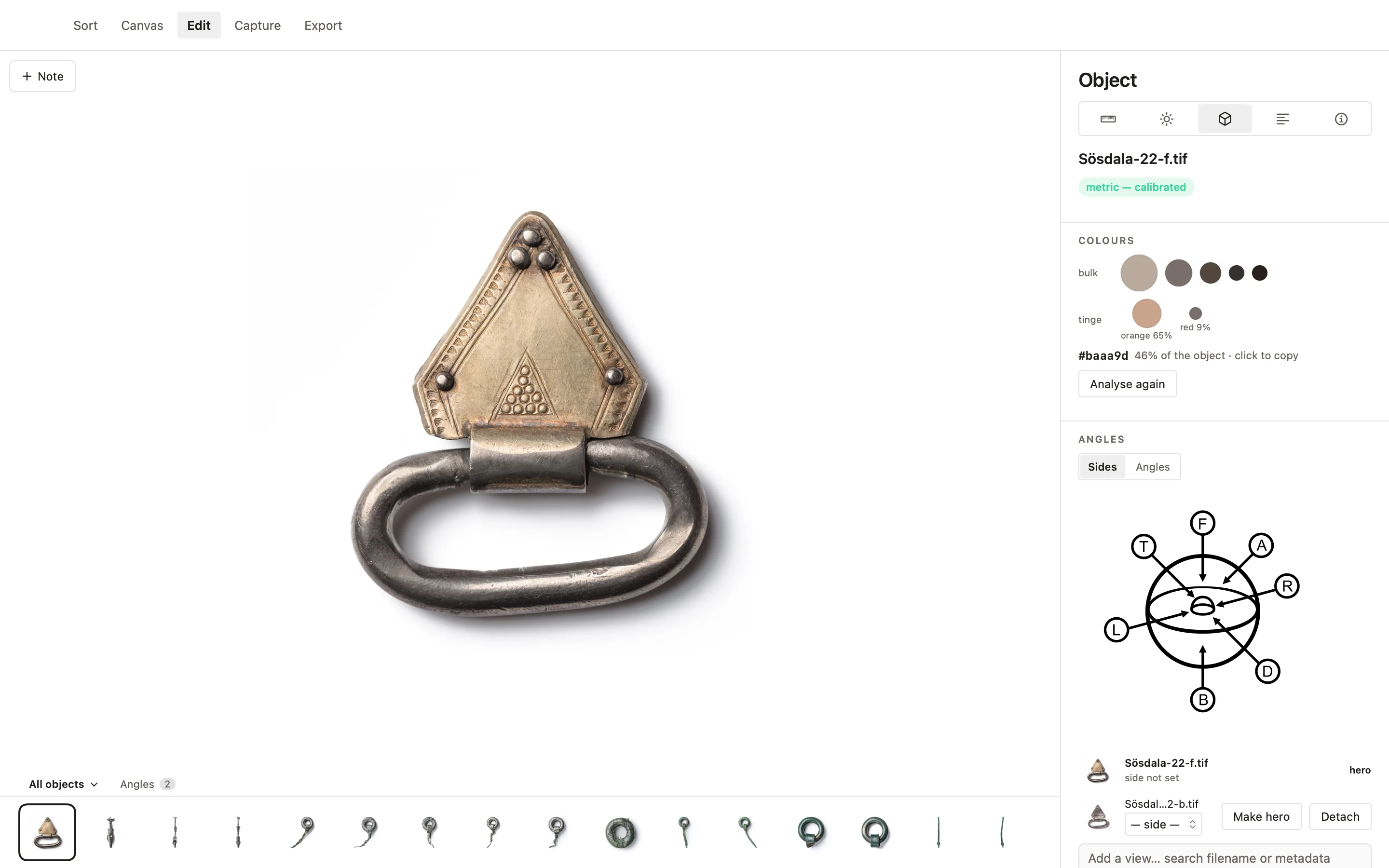
Every object has one main picture: the plumb view, taken straight down onto the object as it lies on the board. An object can also have other angles — its sides, its underside, a view from above at an angle — and they stay pictures of the same object, not objects of their own.
Each angle is named on a drawing rather than picked from a list: the sides on a sphere, the diagonals on a plan.
Try it: drag the sphere to turn it. Click a name, and its picture is marked; click a picture, and its name is.
Front — the upper face as it lies, from above: the main picture
Anything that belongs beside the photograph travels with the object, and can be made public one by one.
Try it: this is a 3D model attached to an object. Drag to turn it.
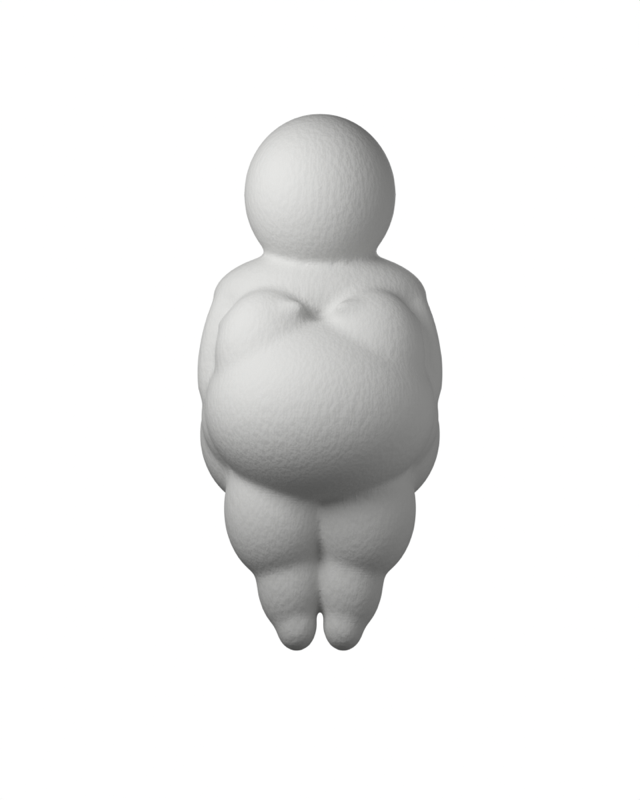
Loading the 3D viewer…
One app, from the shutter to the archive. Everything here is in every level, Free included, unless a row is marked with the levels it is for. Open a row to see it.
These are the cameras Sony’s Camera Remote SDK controls over USB. Tethered capture has so far been tried on the α7 IV only; the others are on Sony’s list and are expected to work, but have not yet been tried. Sony’s terms for controlling its cameras are shown, and accepted, before a camera is first used.
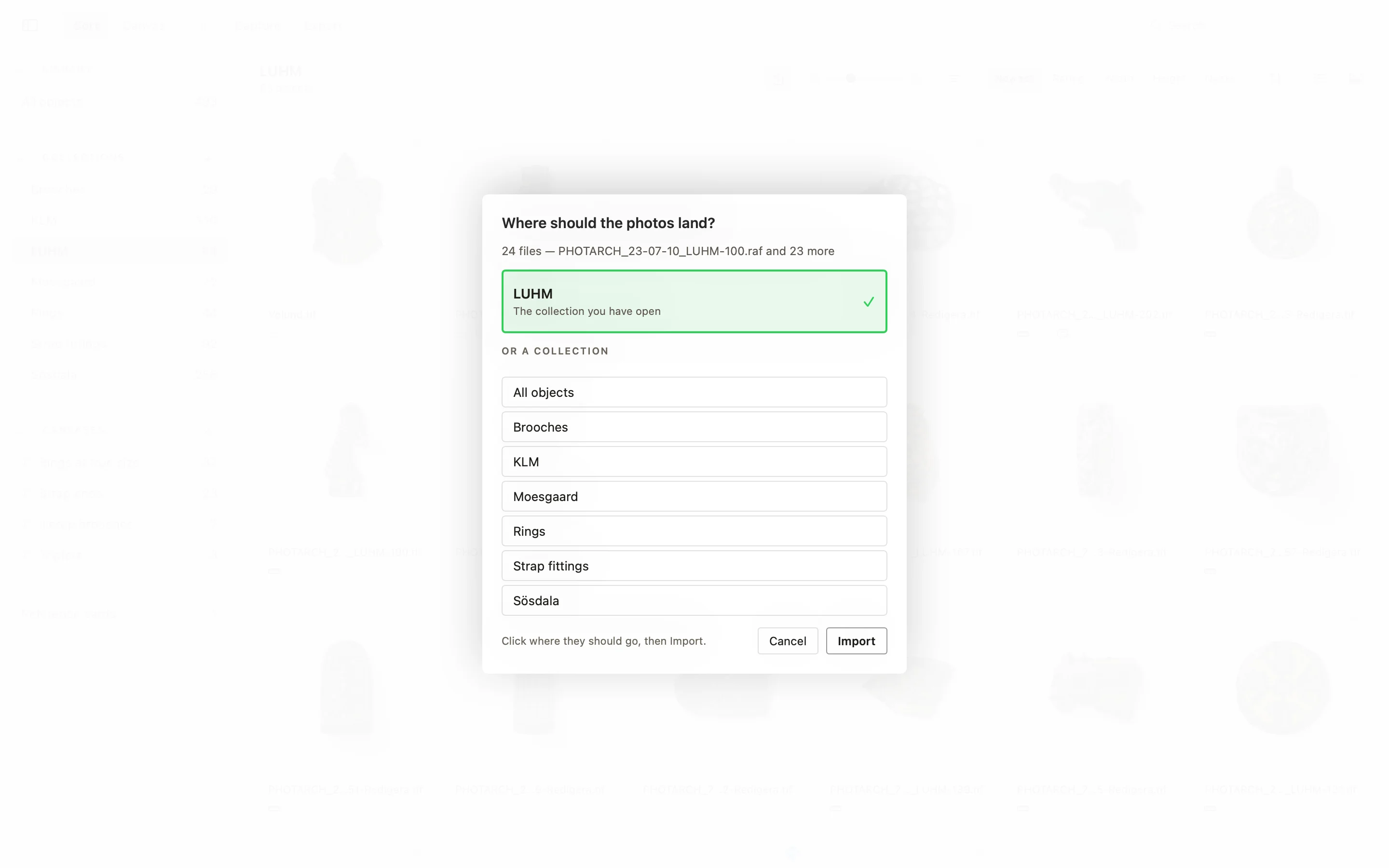
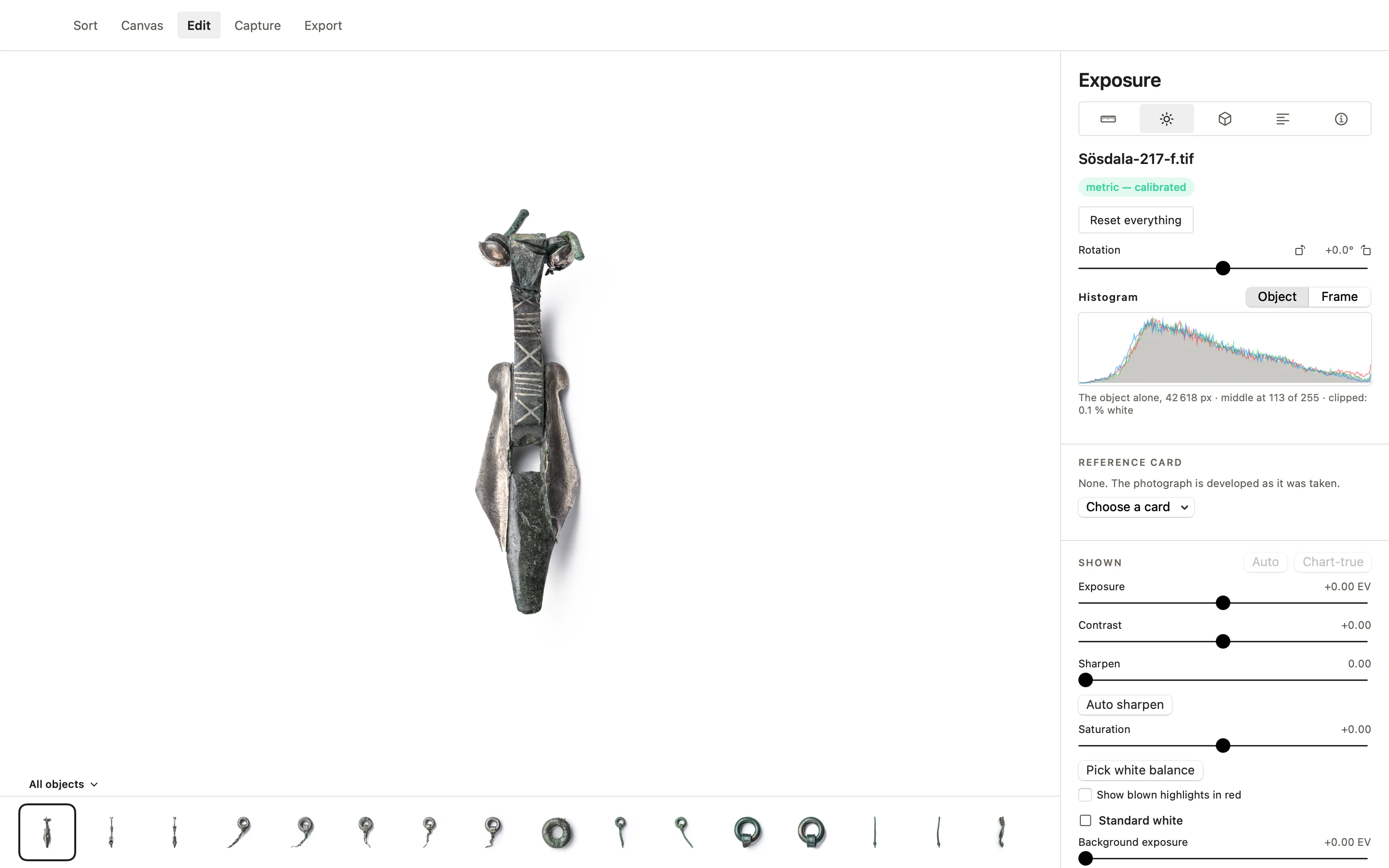
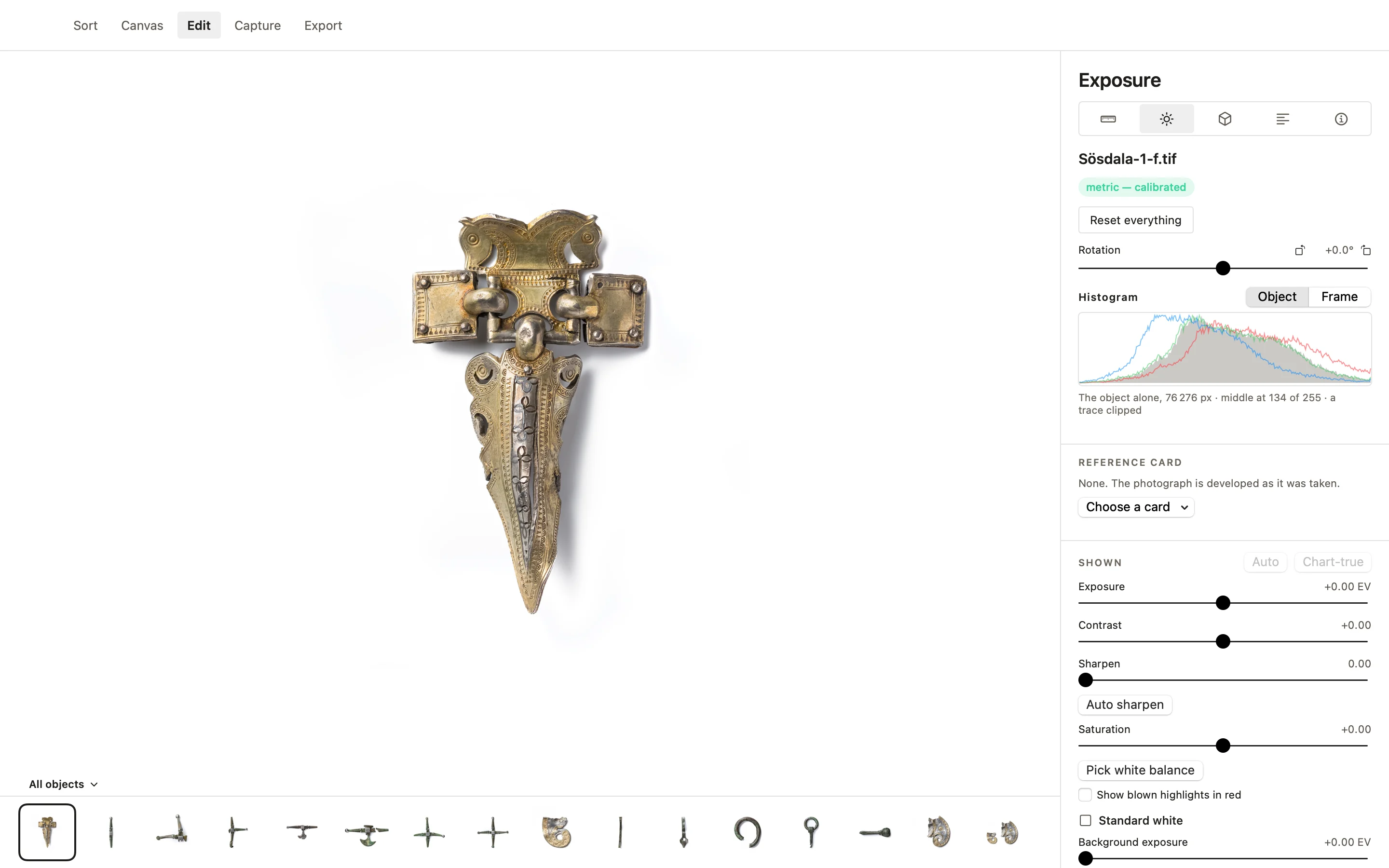
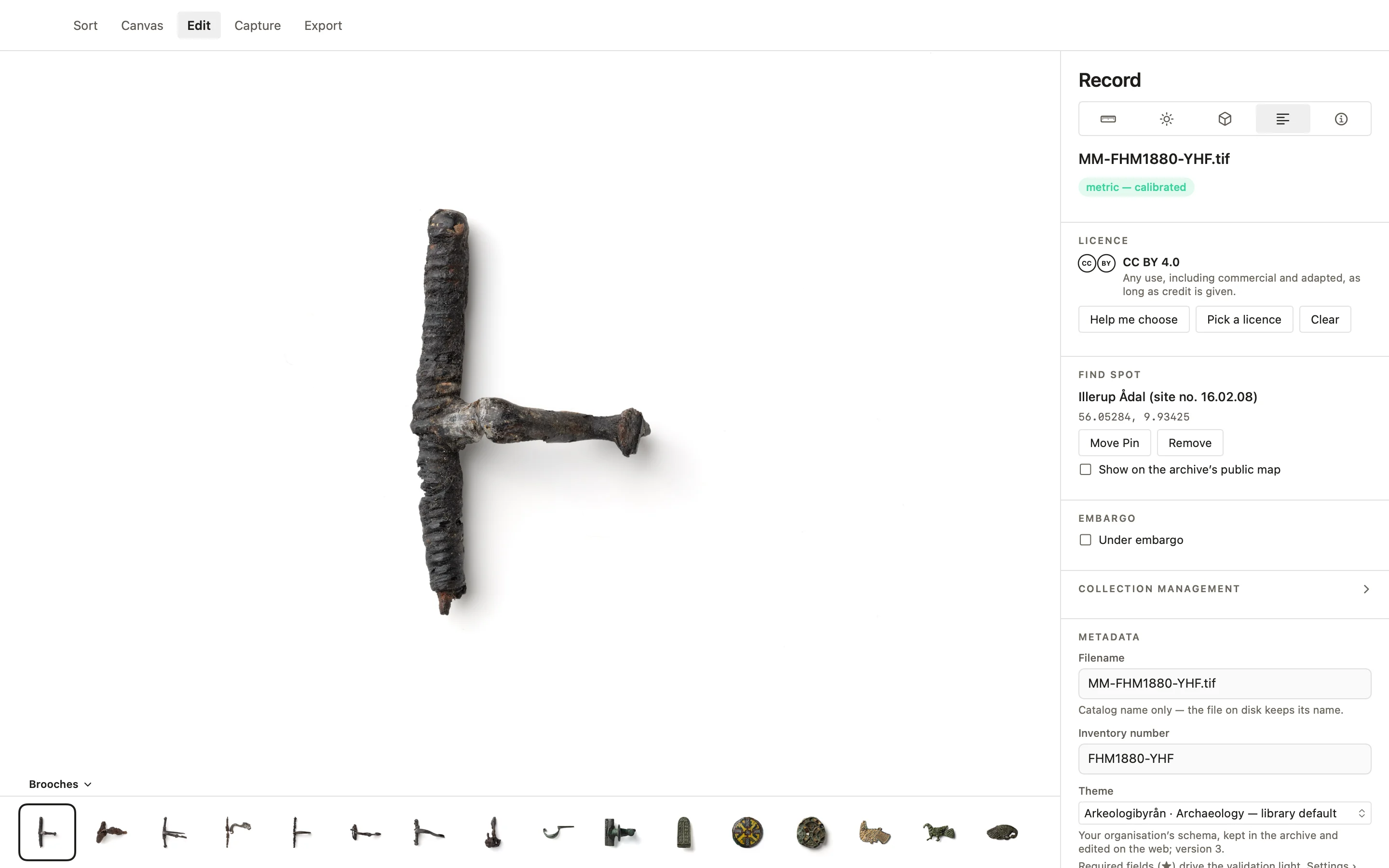
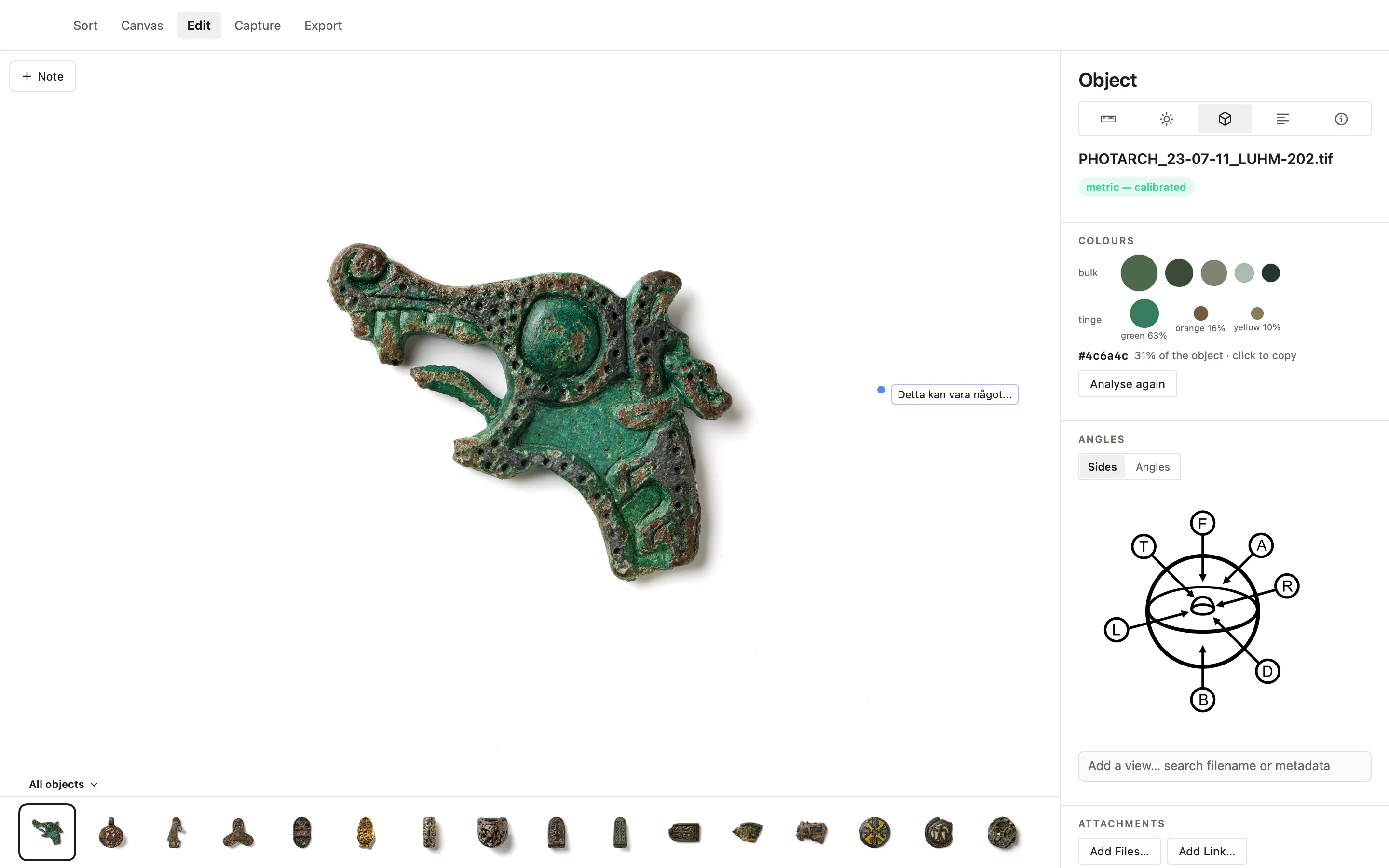
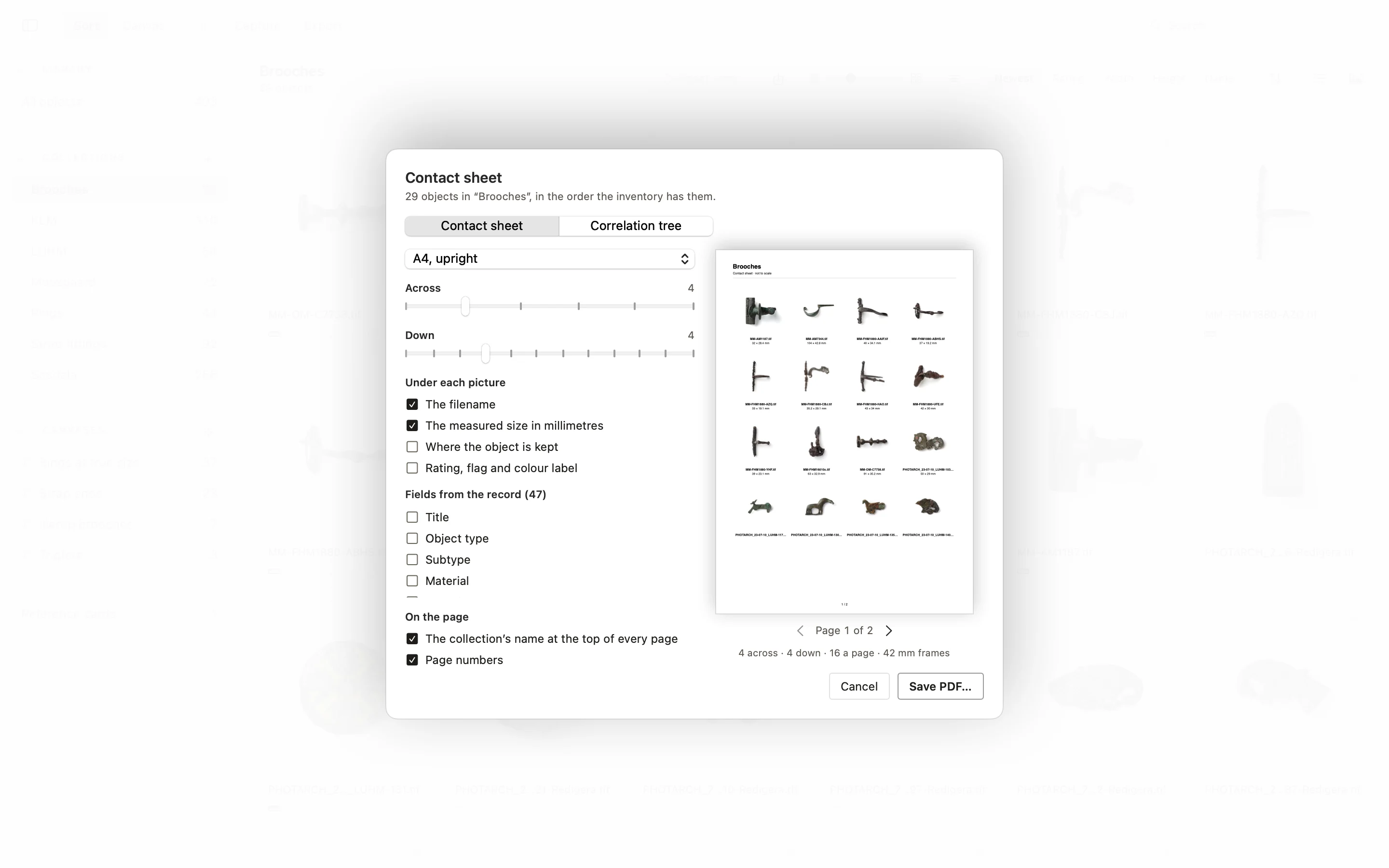
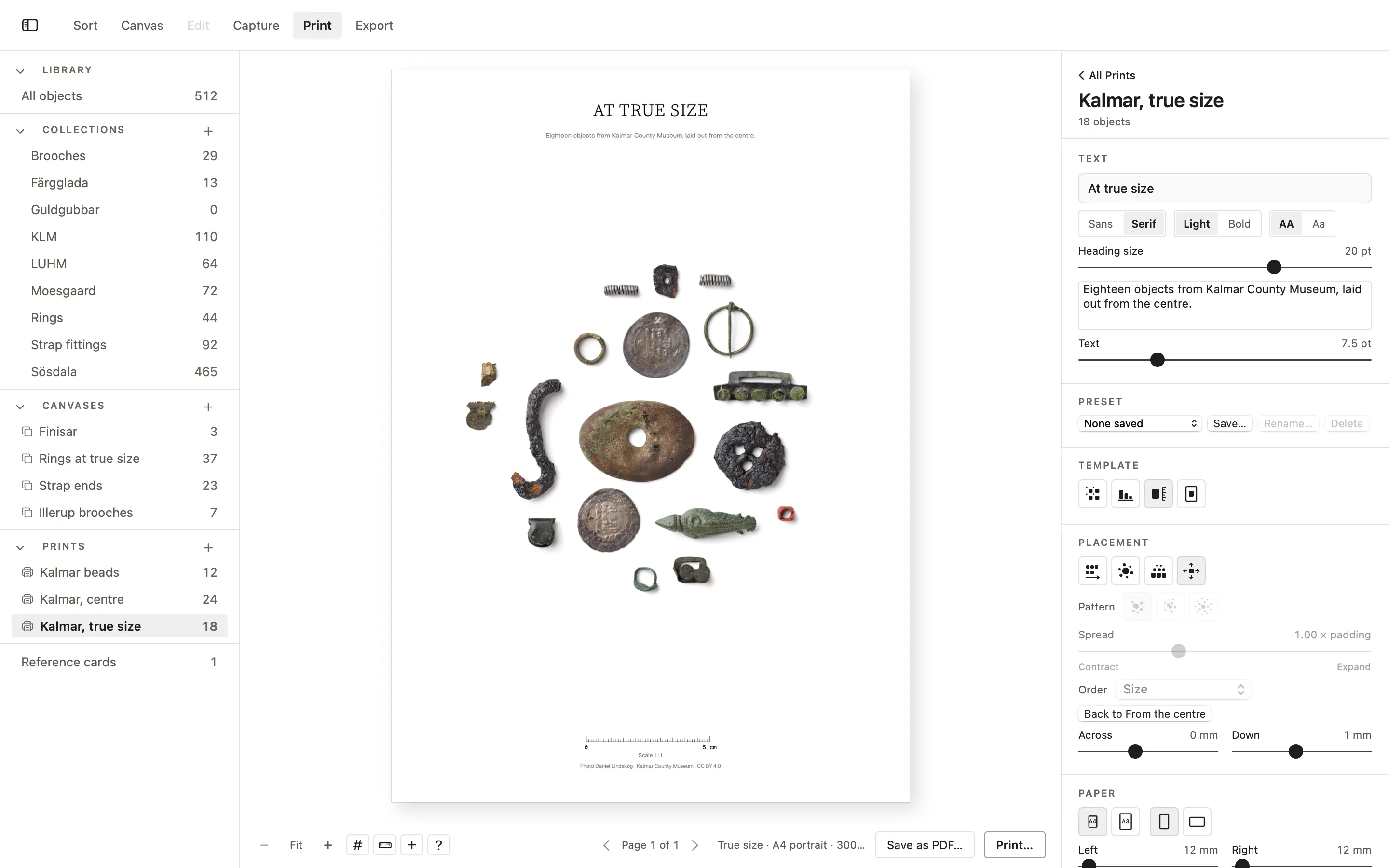
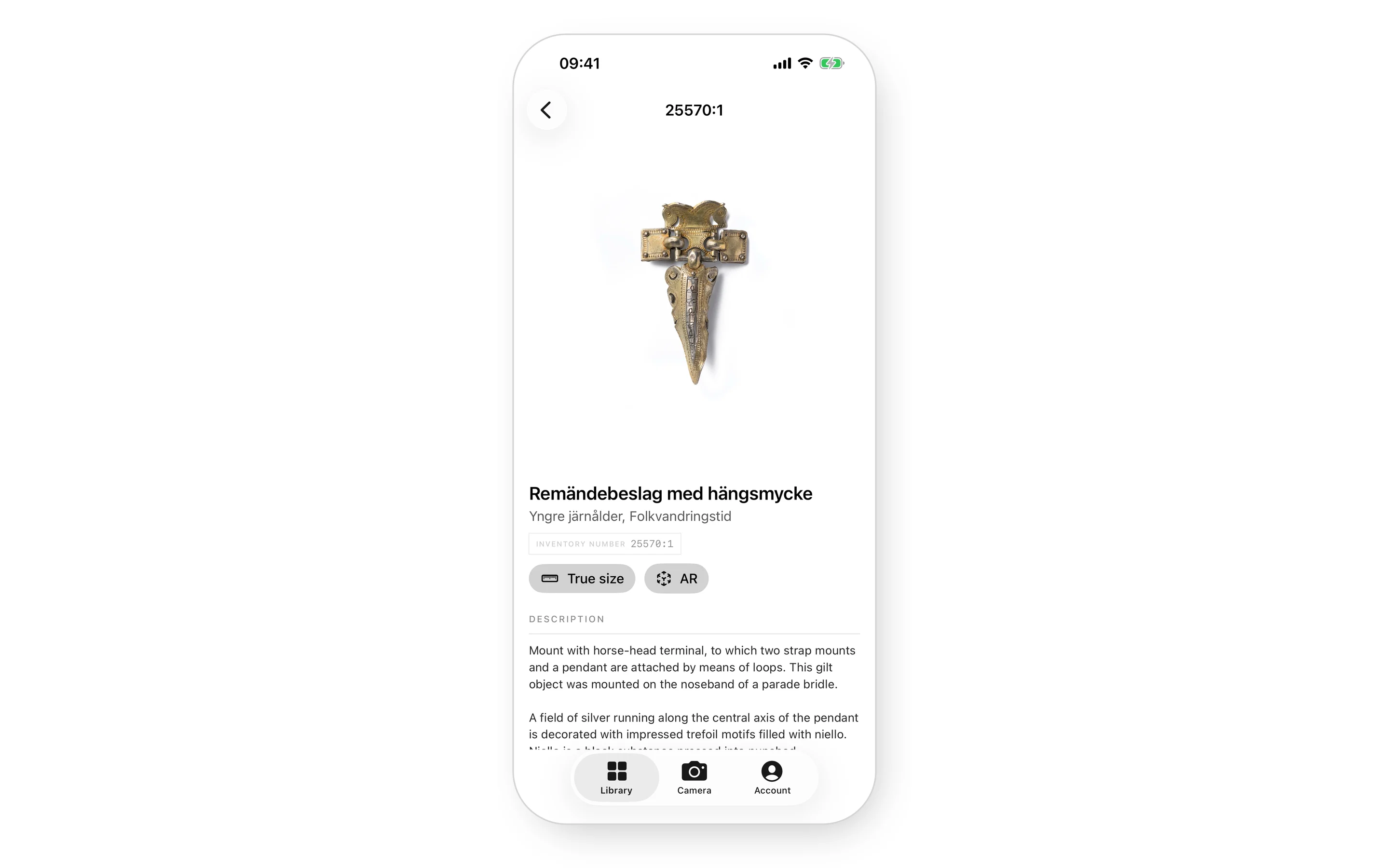
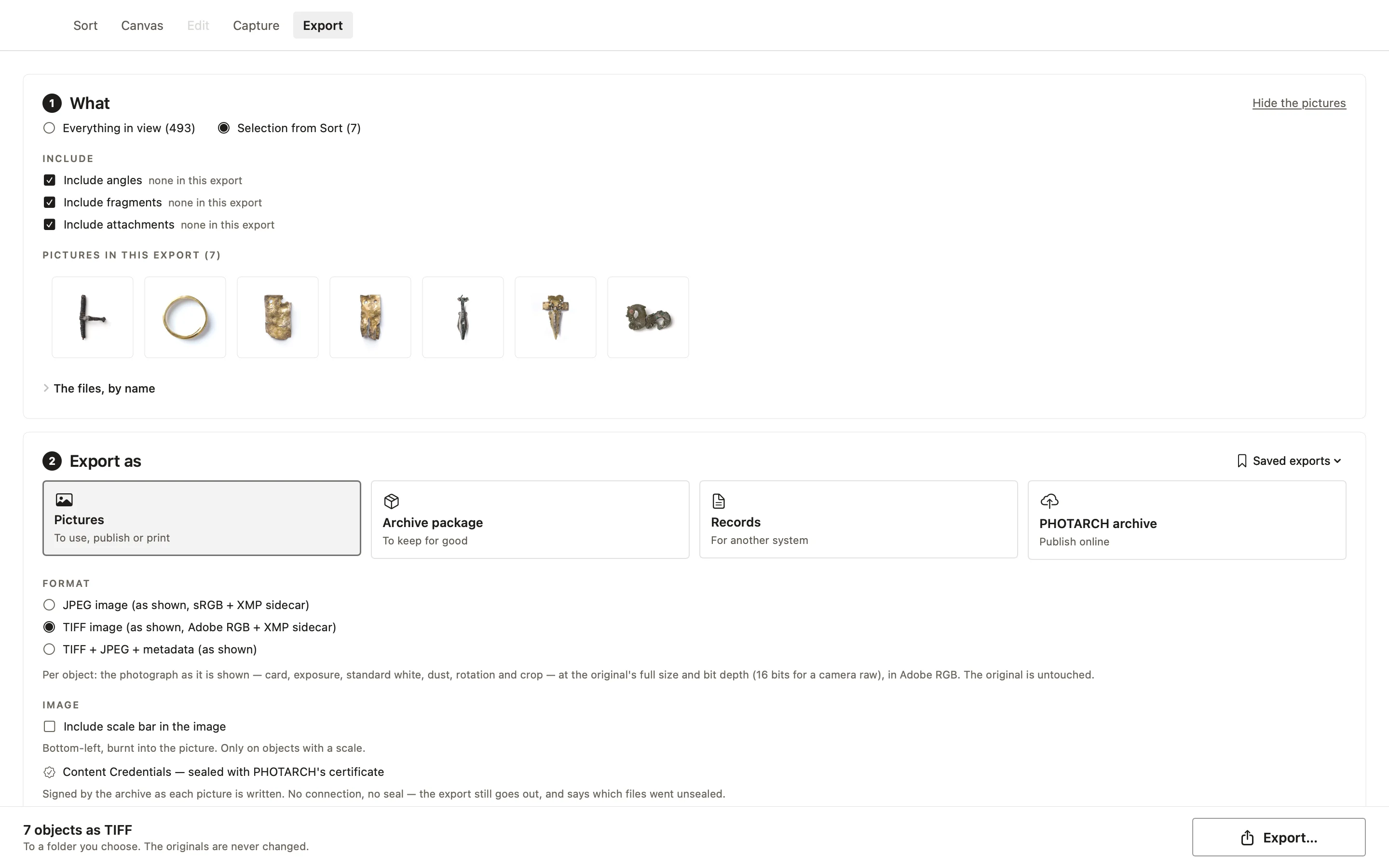
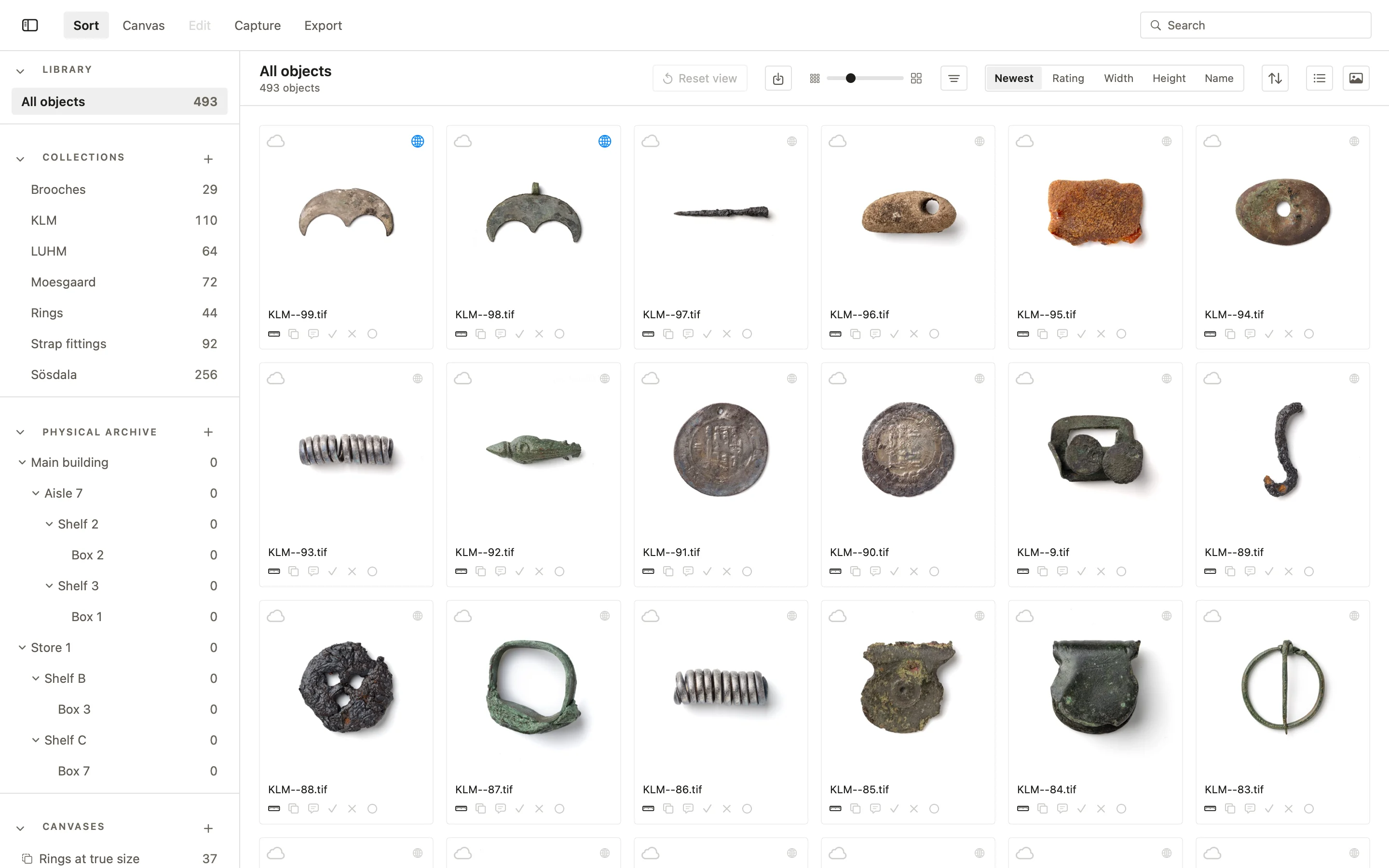
05 — Print · Private and Organisation
Choose objects in Sort and the Print page lays them out on A4 or A3 — at true size, or all at one scale with a scale bar beside them. Save it as a PDF for a printer, or print it.
Coming soon: Print is not yet in a released version of the PHOTARCH app.
The template says what the page is; the placement says how the objects lie on it. The page is drawn again as each setting changes, and margins, the air between objects and their size are set with sliders.
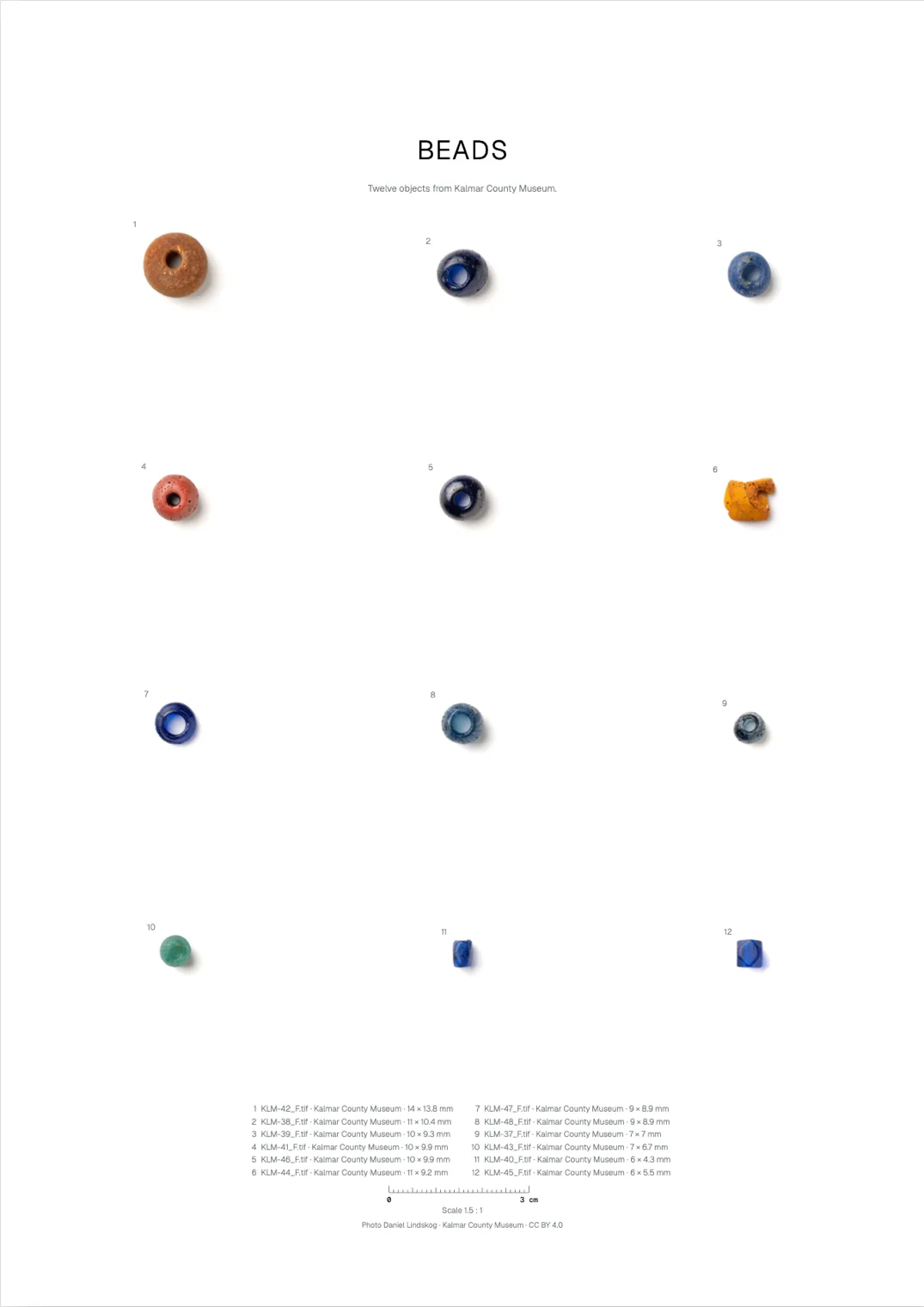
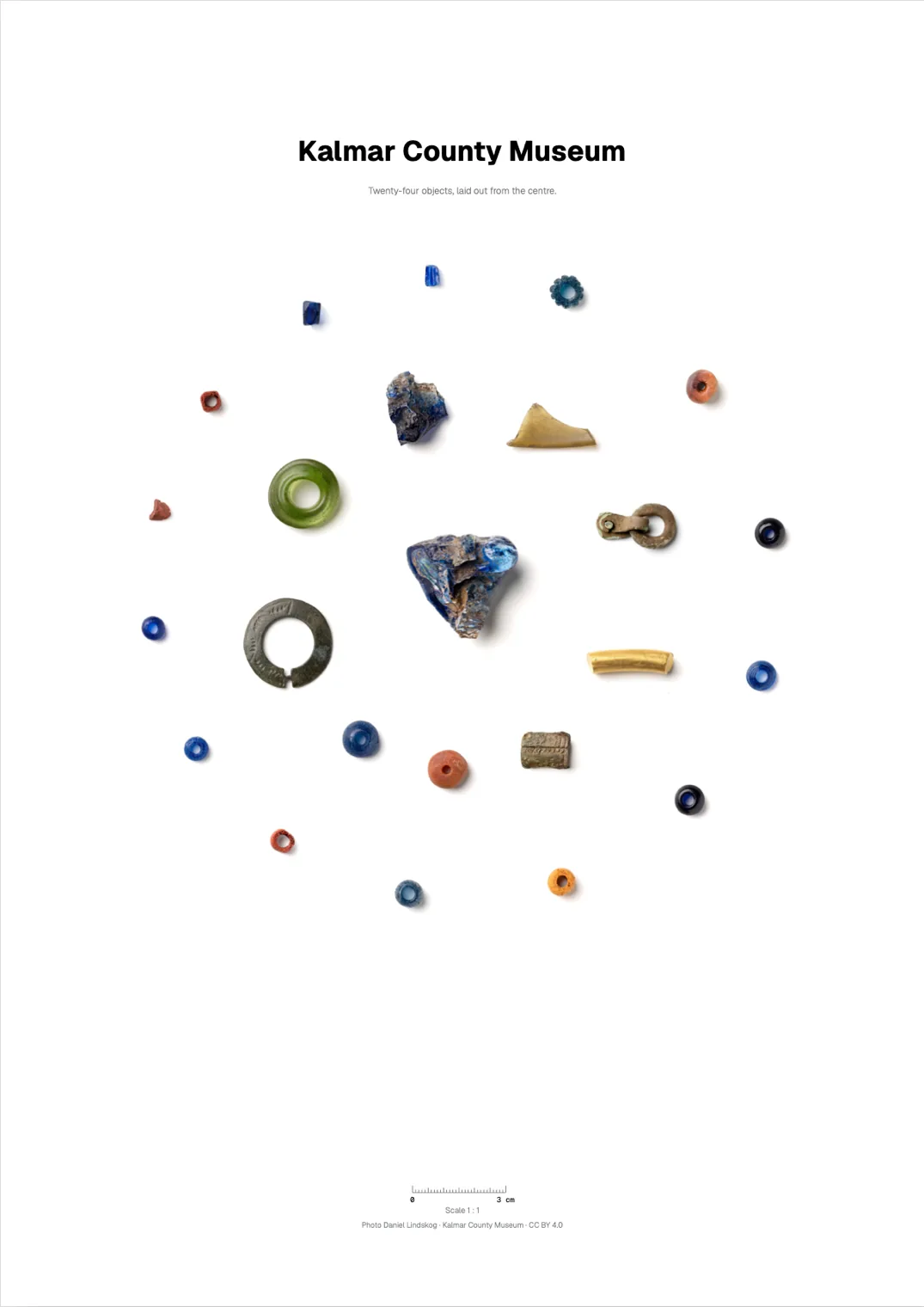
New Print makes a print in the library at once, and every change is saved as it is made. The Print page opens on a gallery of them, and they are listed in the sidebar beside the canvases. Use Layout as Template starts the next print with the same settings for another choice of objects.
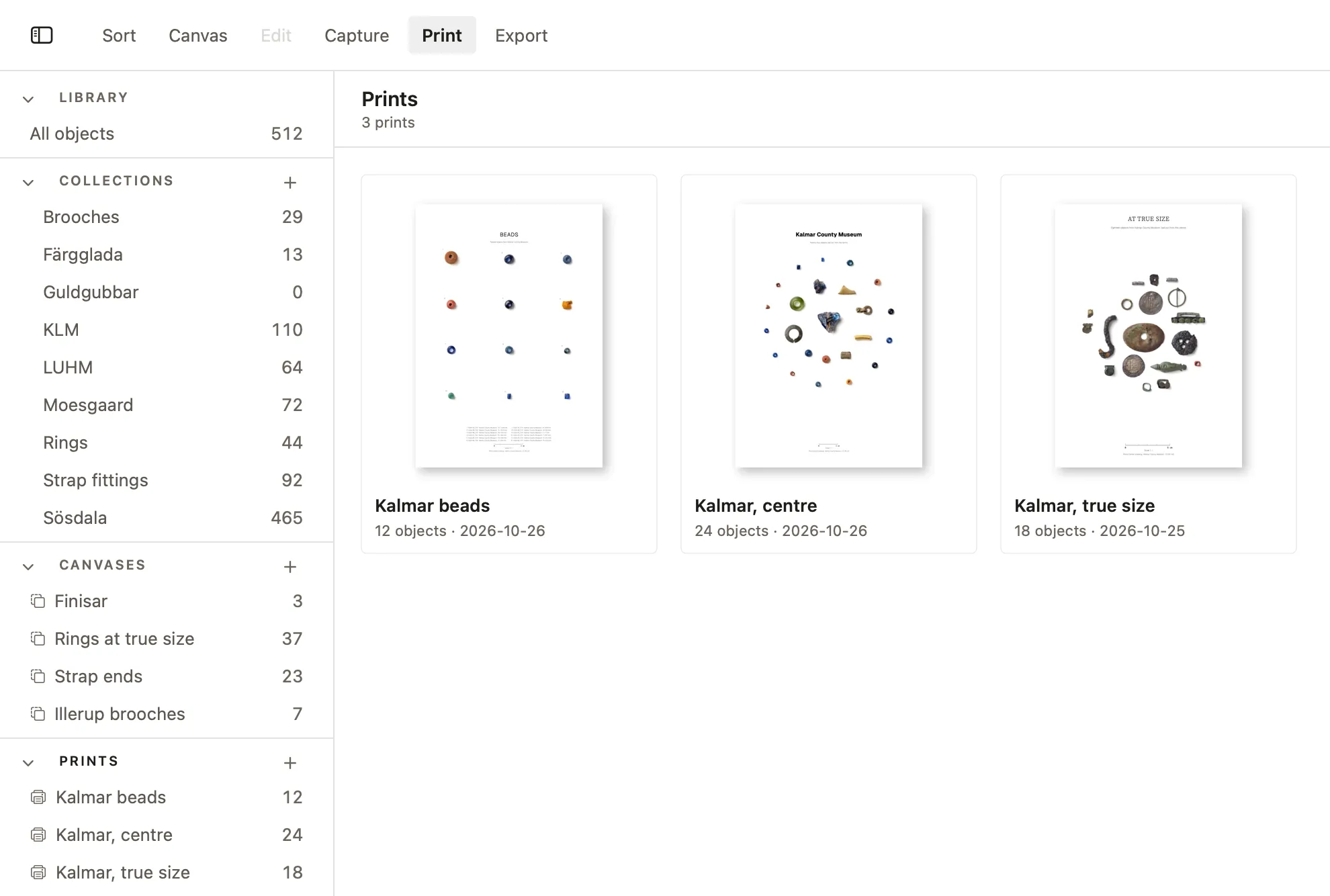
Plate: the objects numbered, with a list of captions under them. Same scale: every object on one page, at the one scale that fits them all. True size: one to one, on as many pages as it takes. Single: one object to a page, large, with its full caption.
Linear, row by row on a common line, ordered by height, length, size or the order they were chosen in. From the centre, the largest in the middle, as Organic, Spiral or Rings. From the bottom, the largest at the foot. Or Free: each object exactly where it is dropped.
A scale bar or a ruler, a heading and a few lines of description, captions taken from the record — title, inventory number, museum and sizes, each chosen on its own — the photo credit, and a footer.
A PDF at the paper’s real size, the pictures at 300 ppi in sRGB. The app says which objects would print below 300 ppi rather than enlarging detail that is not there. Bleed of 3 mm and crop marks when a printer asks for them.
Every object published in the PHOTARCH web archive can be brought into your own library in the app, at no cost and at every level: sign in with a free account, open Whole Archive and bring an object down, with its record and its measured scale. On Free the library holds 100 objects. PHOTARCH’s own photographs are CC BY 4.0, free to use and to print with credit to the photographer and the museum. Making prints from them in the app takes Private or Organisation.
06 — AI admin · Organisation only
An organisation can let its own AI tool work on the library in the PHOTARCH app: search it, see what is missing, put records right, set licences, sort objects into collections and places, and publish to the archive.
The AI runs at your own AI service, on your own account and tokens.*
Your AI tool reads and changes the library through a connection that stays on the Mac. What the tool reads is processed by its provider under your own account with them, not by us.
Read everywhere; change only on the organisation’s cataloguing computer. It writes only the record’s own fields, a fixed list’s values from that list, and a licence from the fourteen statements the archive accepts.
Everything a session changed can be taken back at once while the app stays open: ask your tool to undo the session, or press Take Back … Changes in Settings › AI admin. A publication is taken back by withdrawing it.
* PHOTARCH runs no AI and pays for none; nothing is read or changed unless you ask your tool to. Works with Claude Desktop, added with one click from Settings › AI admin, and with other AI tools that run local MCP servers. ChatGPT reaches only servers on the internet, so it cannot use AI admin yet. The app has to be open while you work. Part of the organisation subscription.
07 — The organisation · Organisation only
Many researchers can work under one organisation. Notes can be shared with the whole organisation, and collections and canvases in the web archive by private link. Several can work on the same objects, each in a library of their own.
One computer holds the archive and catalogues into it; round it stand as many reading desktops as the organisation wants, each a researcher’s own library filled from the archive, which never writes to an original.
Give every shelf and box a small QR label. Point PHOTARCH for iPhone at it and see what is inside, move an object to another box on the spot, and have the move recorded in the object’s history.
The objects of a collection or a place can be exported as a correlation tree: every place they are kept in, and the objects in each.
Show what’s in the box without opening it
002045
Box 5
Store 1 › Shelf B › Box 5
No. 002045
Box 1
Store 1 › Shelf A › Box 1
No. 002041
Box 9
Store 1 › Shelf C › Box 9
No. 002049
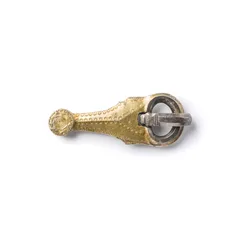

PHOTARCH for iPhone is the other half of the app. It is a camera of its own, free to download — and paired with the app on a Mac, over the local network or by cable, it becomes its shutter and live view: RAW, HEIF or JPEG, exposure warnings and focus peaking, and every picture straight into the library. In your pocket, the library goes with you, and an object — or a whole canvas — displayed through augmented reality.
iOS 17 or later. Works with every level of the app, Free included.
Pending release on
Download on theApp Store08 — Who it is for
A single drawer or a lifetime’s gathering, kept in order and shown at true size.
Every shelf and box known, and what is in them seen without opening them.
Objects from any number of collections side by side, ready for the system already in use.
Material from several organisations compared at one scale.
09 — Safety
Nothing here depends on this company being around, on a network being up, or on a subscription being paid.
The PHOTARCH app keeps images, catalogue, measurements and metadata locally: your photographs and records stay on your own computer, and none of them is uploaded in the background. An organisation can choose to share its store map — the places and what stands where — so every computer sees the same one; never the pictures, the records or a find spot. What reaches the public archive is what you send there, when you send it.
Every viewing version, tile and export is derived from the master, which is written once and left alone. A checksum is recorded when it enters, so the file you keep in ten years can be shown to be the file that came in.
A lapsed or unactivated licence falls back to the free tier. It always leaves your catalogue readable and your own data exportable — losing access to the software never means losing access to the work.
The licence is verified on the machine, not against a server, so the app runs in an archive with no signal and in the field with no network. Photographs taken without the computer queue on the phone and arrive when the two meet again.
Objects can be held back until they are ready to publish, and internal notes — shelf, location, accession number, condition — are never shown publicly.
The app sends no crash reports, and usage statistics are off unless you turn them on; they never include catalogue content, images or measurements. A data processing agreement is available for organisations that need one.
10 — Price
One app: the library on the Mac and the camera on iPhone. Every level carries the whole method — validation and measurement in millimetres. A private person buys the app once, as a tool; an organisation subscribes to the service around it — the archive, the team and the right to publish.
Free
0 €
No card, no time limit
Free membership, no credit card · macOS 14 or later, Apple Silicon
The app with every tool — the library on the Mac and the camera on iPhone — capped at one collection of 100 objects and one canvas. The web archive is open to everyone, without an account.
Private
Once · updates for 12 months included
Ordinary price 100 €, introductory price 80 €
Introductory price until 31 December 2026; then 100 €. The app keeps working with the version you have after the 12 months
The app without the cap, for one person. A tool you own: it runs on your own computer and phone, and nothing is kept on our servers. Bring in the photographs you have already taken — medium format, DSLR — and make them evidence.
Everything in Free, and
Organisation
Per month · billed yearly, by card or invoice
Ordinary price 150 €, introductory price 100 €
Introductory price for the first year, for organisations that sign before 1 January 2027 (code INTRO2026); then 150 € per month
The app for as many photographers as the organisation has, all working into one archive — and the right to publish in the PHOTARCH web archive. One computer holds that archive and catalogues into it; round it stand as many reading desktops as the organisation wants, each a researcher’s own library filled from the archive, which never writes to an original. The organisation’s admin sets the rules for how everyone works with the material: which collection-management procedures are used, and how the store is laid out — row, shelf, box, object. The app follows them for every photographer.
Everything in Private, and
Free
0 €
The computer and the phone, capped at one collection of 100 objects.
Private
100 € once
The same app without the cap: your phone into your computer.
Organisation
150 € / month
One desktop holds the archive; the reading desktops stand round it, every photographer’s phone works into it — and from it, to the web.
Private is a personal licence, for one named person and their own devices. An organisation whose staff document its collection uses the organisation subscription. The camera app will be free on the App Store, and it photographs on its own; paired with the app on a Mac — the free level included — it becomes its shutter and live view, and the pictures land straight in the library.
Prices exclude VAT. A Private licence can be refunded within 14 days — refunds and cancellation.
11 — The details
Pictures in the forms archives keep, and records in the formats collection systems import. The original is never touched: every export is made from it, and the same object gives the same file every time.
Free
Pictures of objects brought in on Free carry a small “Processed by PHOTARCH” mark.
Private
The same pictures, unmarked — and the record on its own:
Organisation
Everything in Private, and the formats organisations exchange:
Every picture PHOTARCH writes holds its own information, written into the file itself, at every level. It travels with the picture wherever it is copied, and other software can read it — nothing has to be looked up in PHOTARCH. The original in a package is kept byte for byte, with the record in a file beside it.
PHOTARCH follows established standards where they exist and extends them where the photographic dimension is not addressed. The goal is interoperability — records that can leave the archive and work elsewhere.
Rights statements
ActiveEvery image carries one of the fourteen rights statements Europeana accepts — a Creative Commons licence, the Public Domain Mark or a RightsStatements.org statement — with its URI in the IIIF manifest and the LIDO record.
TIFF / JPEG
ActiveTIFF as master format, JPEG as delivery derivative. Resolution and colour space requirements set by the PHOTARCH method.
EXIF / IPTC
ActiveThe master is kept exactly as it arrived, camera metadata included. The record, the scale and the rights are written into every copy that is downloaded or exported.
Dublin Core
ActiveCore descriptive fields (title, type, date, creator, rights) mapped to Dublin Core elements in all records.
LIDO
ActiveLightweight Information Describing Objects. XML export per object for aggregation with museum network portals.
ARK / NAAN
ActiveArchival Resource Keys with registered Name Assigning Authority Number. Persistent, resolvable identifiers for every object record.
SHA-256 checksums
ActiveA cryptographic checksum on every master file in the archive. Enables verification of the master’s integrity over time.
IIIF
ActiveInternational Image Interoperability Framework. Every published image is served through the IIIF Image API 3 — deep zoom to the master’s full resolution — with a IIIF Presentation 3 manifest per object for external viewers and platforms.
What it is and how to use it →CIDOC-CRM
ActiveConceptual Reference Model for cultural heritage (ISO 21127). Every published object is also a Linked Art record — CIDOC-CRM as JSON-LD — with its dimensions, production, find context and photographs, and materials, object types, periods and techniques linked to the Getty Art & Architecture Thesaurus.
Europeana EDM
ActiveEuropeana Data Model. Organisations export EDM records from the PHOTARCH app, written to Europeana’s own schema and rules. Delivery to Europeana goes through a national or domain aggregator.
C2PA
ActiveCoalition for Content Provenance and Authenticity. Every published picture and every download carries a signed record of how it was made and the scale it holds, countersigned by an independent timestamp authority. Answers the question: can this image be trusted?
What it is and how to use it →ISO 19264-1
For flat originals
Imaging systems quality analysis for reflective originals: measures a camera or scanner on a test target — tone, colour, resolution, noise, uniformity — in levels A, B and C. The PHOTARCH app assesses objects by its own levels; for paintings, documents and other flat originals it turns this standard on, with FADGI and Metamorfoze, reads the level through FADGI’s correspondence on what it can measure, and names what it cannot. It is not a certification.
What it is and how to use it →Taking part in the public archive is never required. The app does the whole job without it; publishing is there for the organisation that wants its collections seen.
One app with two places to work: the library on the Mac and the camera on iPhone. That is where a collection is photographed, measured, described and packaged. The photographs and records stay on the organisation’s own computers. The organisation can choose to share its store map — the places and what stands where — so every computer sees the same one; never the pictures, the records or a find spot.
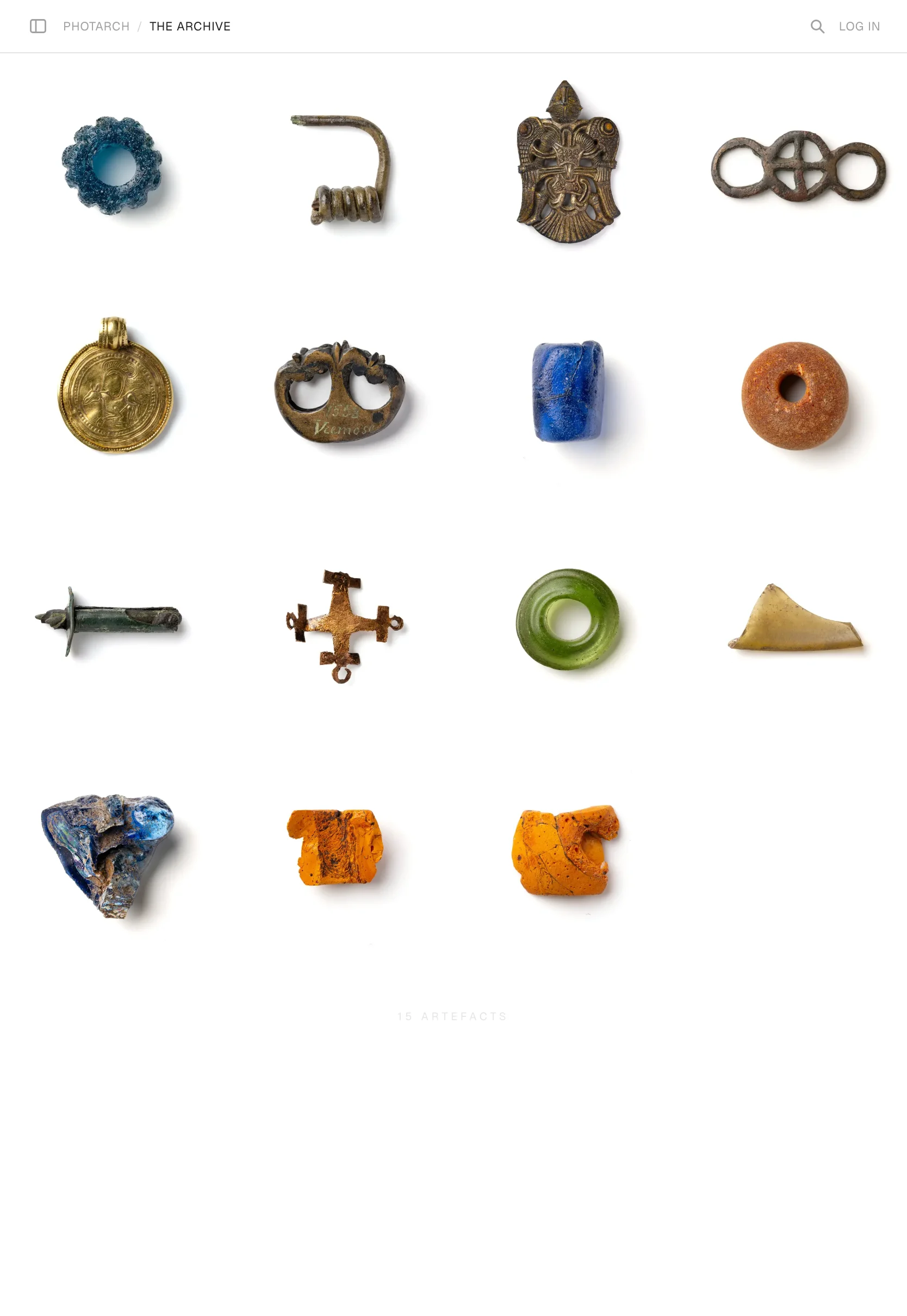
A public archive on the web, made for access: a visually driven database where anyone can browse, compare and cite what organisations have chosen to publish.
Nothing is uploaded automatically. An organisation that wants its collections to be accessible sends them, object by object, and keeps them in step when it chooses. An add-on, not a requirement.
PHOTARCH is built for Apple hardware and nothing else. That is a choice, not a gap: a method that measures colour and scale needs a controlled screen and a predictable colour pipeline, and controlling the whole chain is what makes the measurements worth trusting.
On the Mac
On iPhone
Coming soon
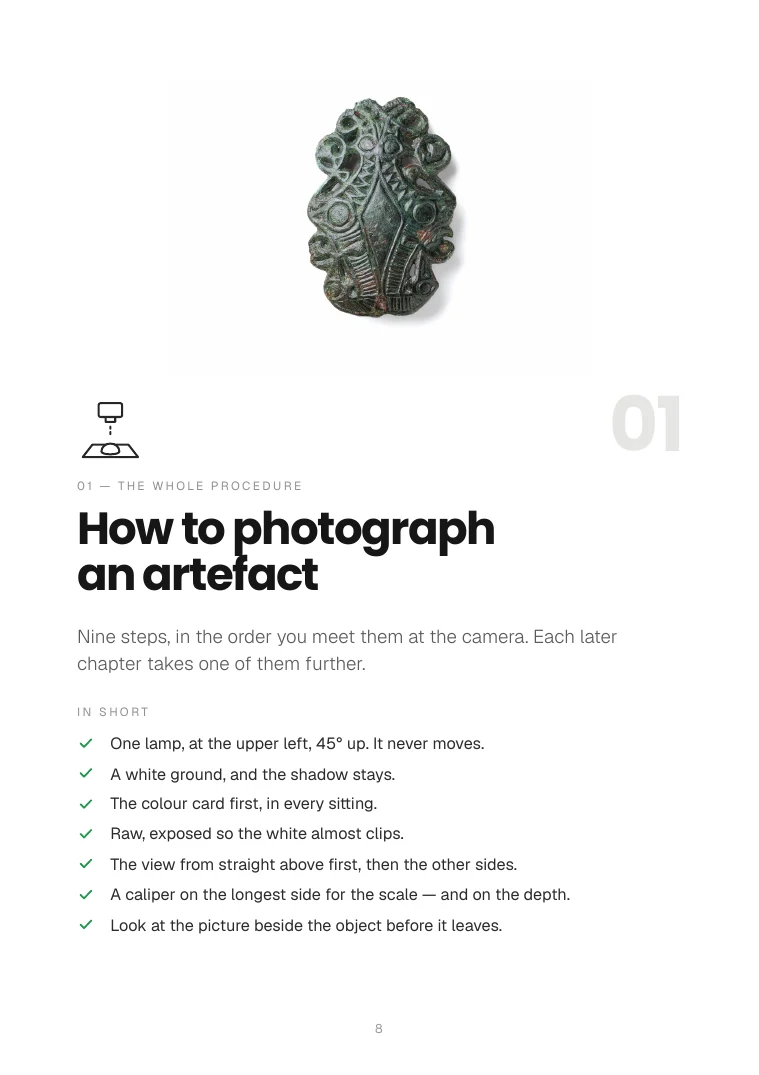
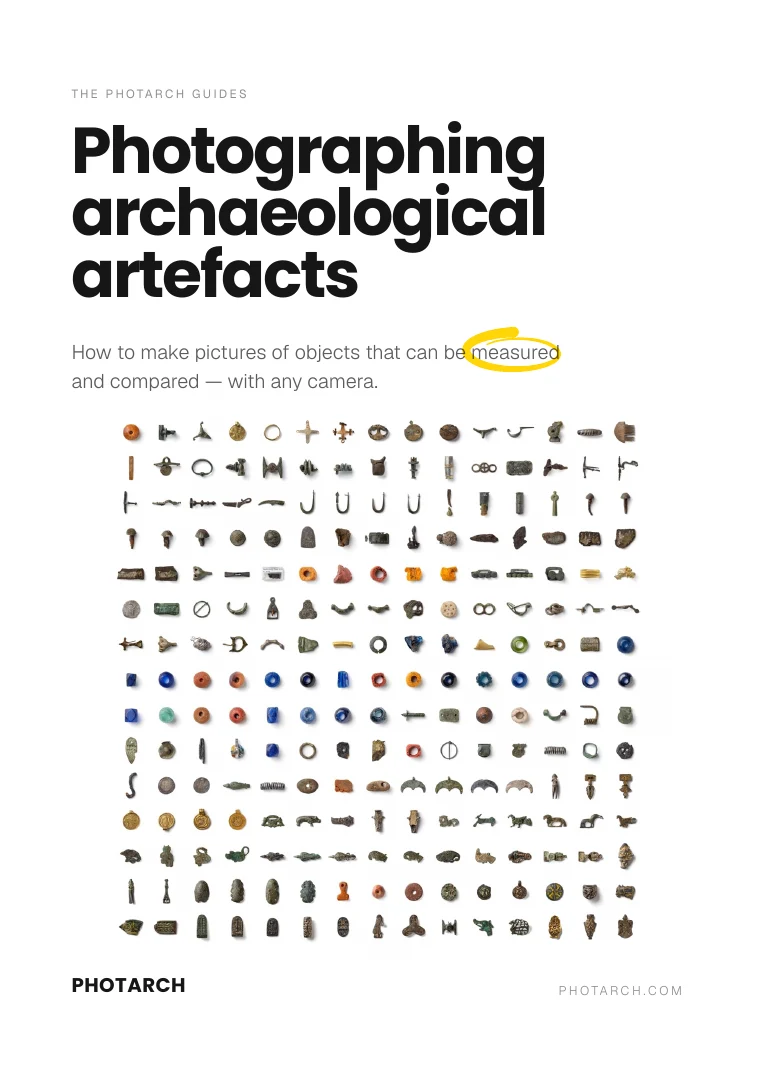
Photographing archaeological artefacts: the ten guides as one book — the light, the white ground, colour, the camera and the lens, scale and file formats — for the first picture and the ten-thousandth. For members, and membership is free: become a member, and you will have it when it is out.
Become a member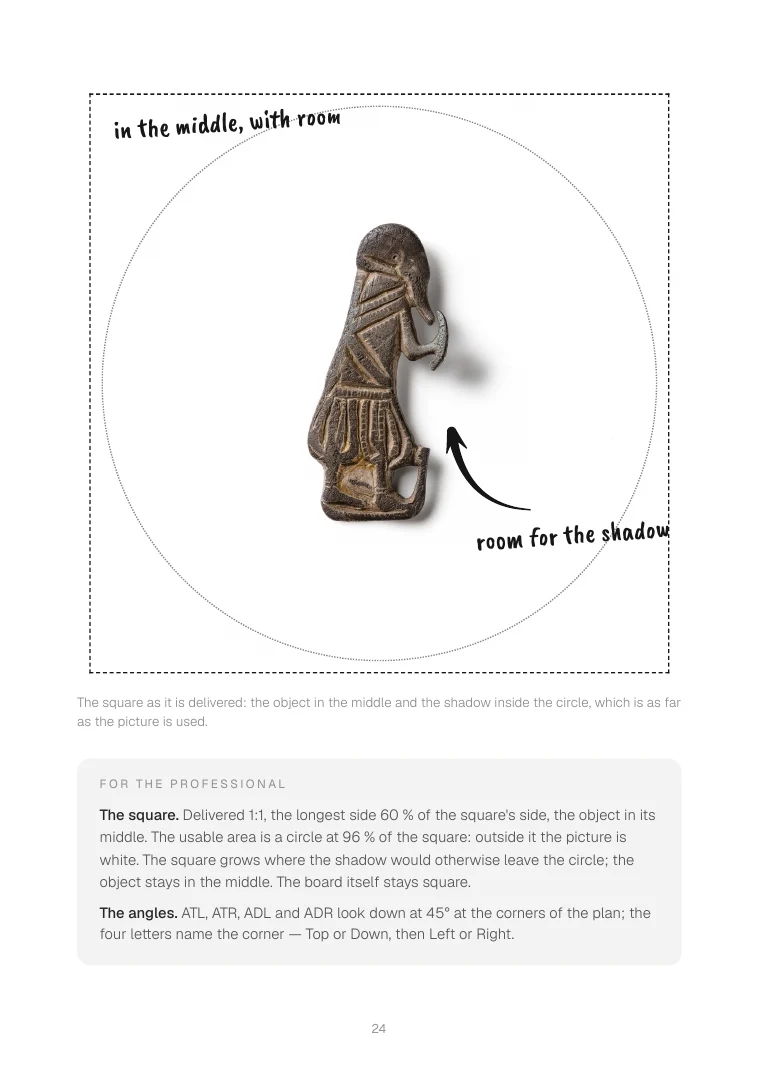
In development
The app on iPad.
Optimized for iPhone Duo.
The PHOTARCH board, to photograph objects on.
All the guides as one book.
To learn the method and to use what is already in the archive are free of charge. The software is for the organisations that want to document their objects that way themselves.