Store and locationsOrganisation only
Know what is on every shelf, without opening a box
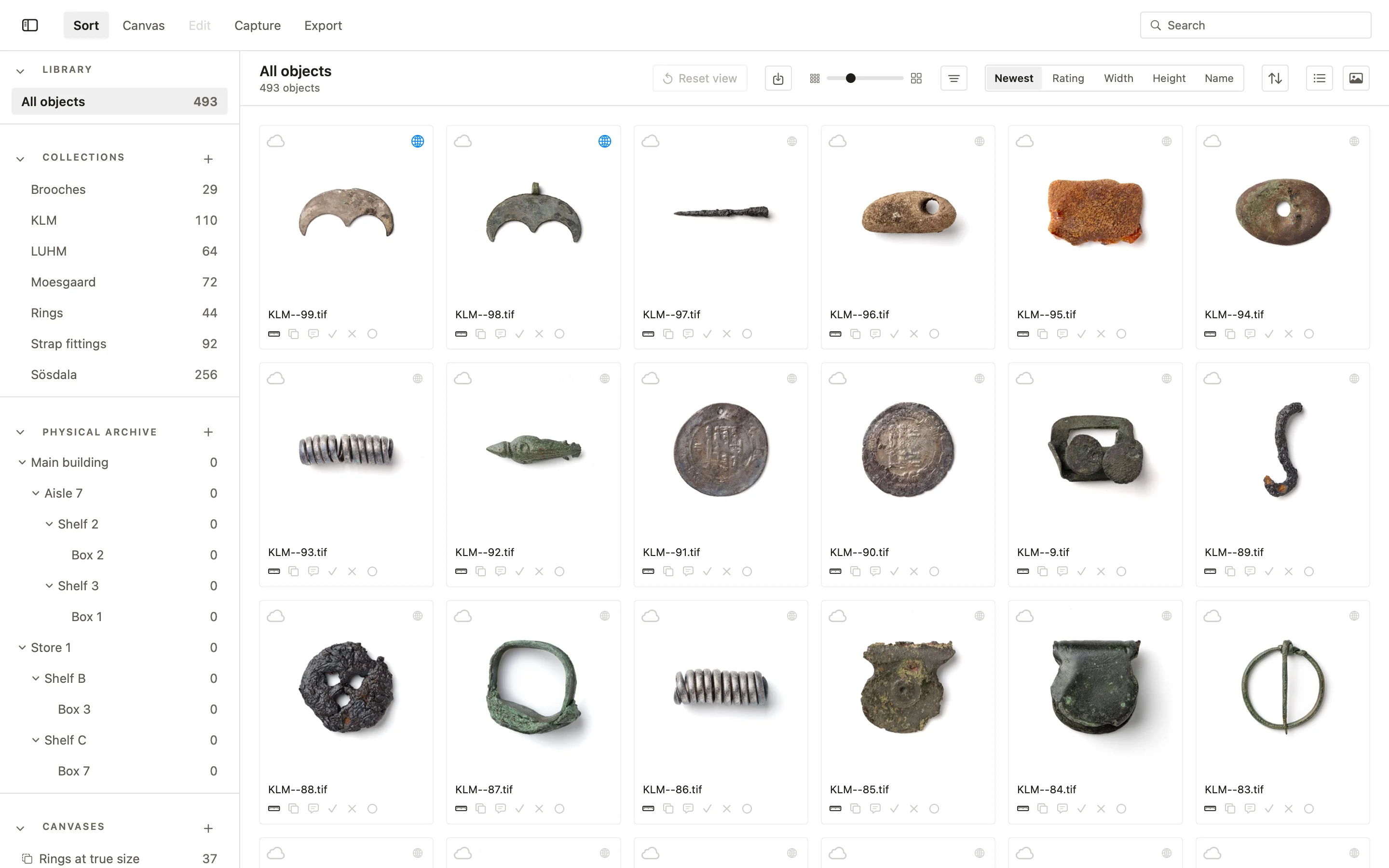
The physical archive in the PHOTARCH app mirrors the store as it is: rooms, aisles, shelves and boxes, laid out as the organisation has decided, with every object in its place and every move recorded.
Every place in one tree
The organisation’s admin sets how the store is laid out, level by level, such as row, shelf, box, and the app follows it for every photographer. The places form a tree in the sidebar, each with the number of objects kept in it. Drag objects onto a place to move them. Every move is a Location & movements entry, with when, by whom, from where and to where, in the object’s history.
Scan a label, see what is inside
Give every shelf and box a small QR label, printed from the app on standard label sheets. Point PHOTARCH for iPhone at it and the place opens, with the objects kept there. Move an object to another box on the spot; without a connection the move waits on the phone until the Mac can be reached. A label shows only a number unless you choose otherwise, and only your own PHOTARCH app can open it.
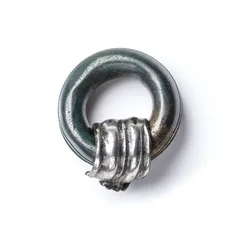
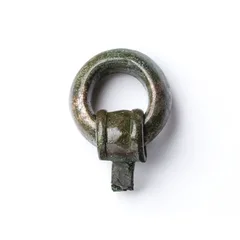
Show what’s in the box without opening it
002045
Box 5
Store 1 › Shelf B › Box 5
No. 002045


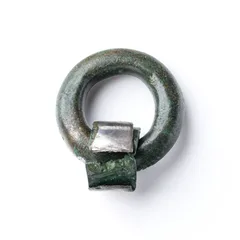


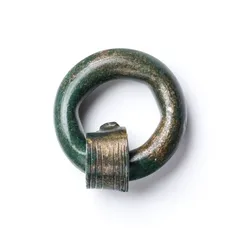
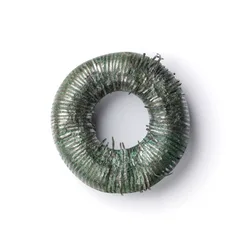


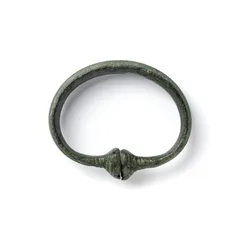
Box 1
Store 1 › Shelf A › Box 1
No. 002041
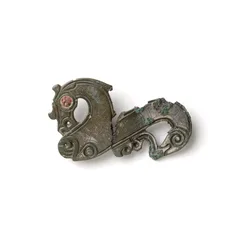
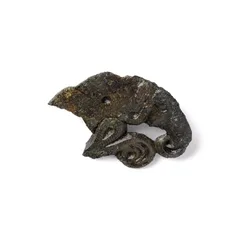
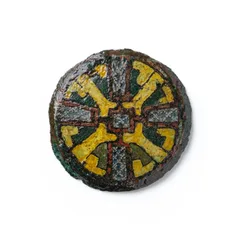
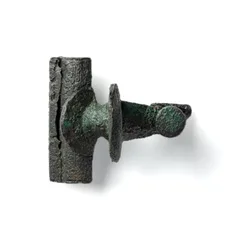
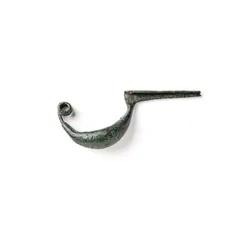
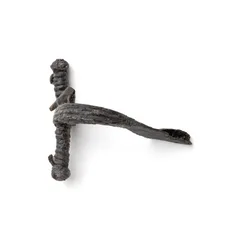
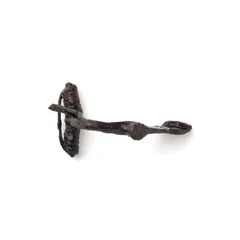
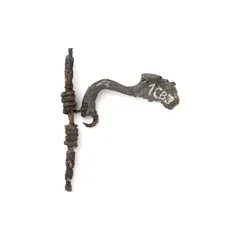
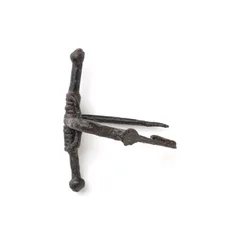
Box 9
Store 1 › Shelf C › Box 9
No. 002049
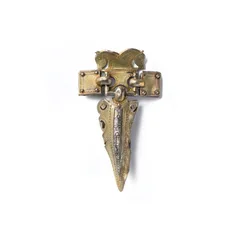
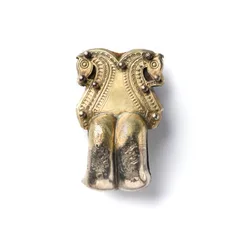
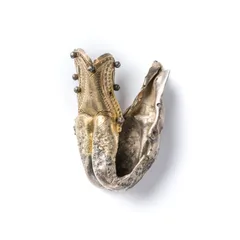
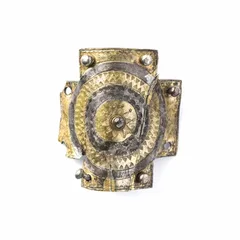


One map, and paper when you need it
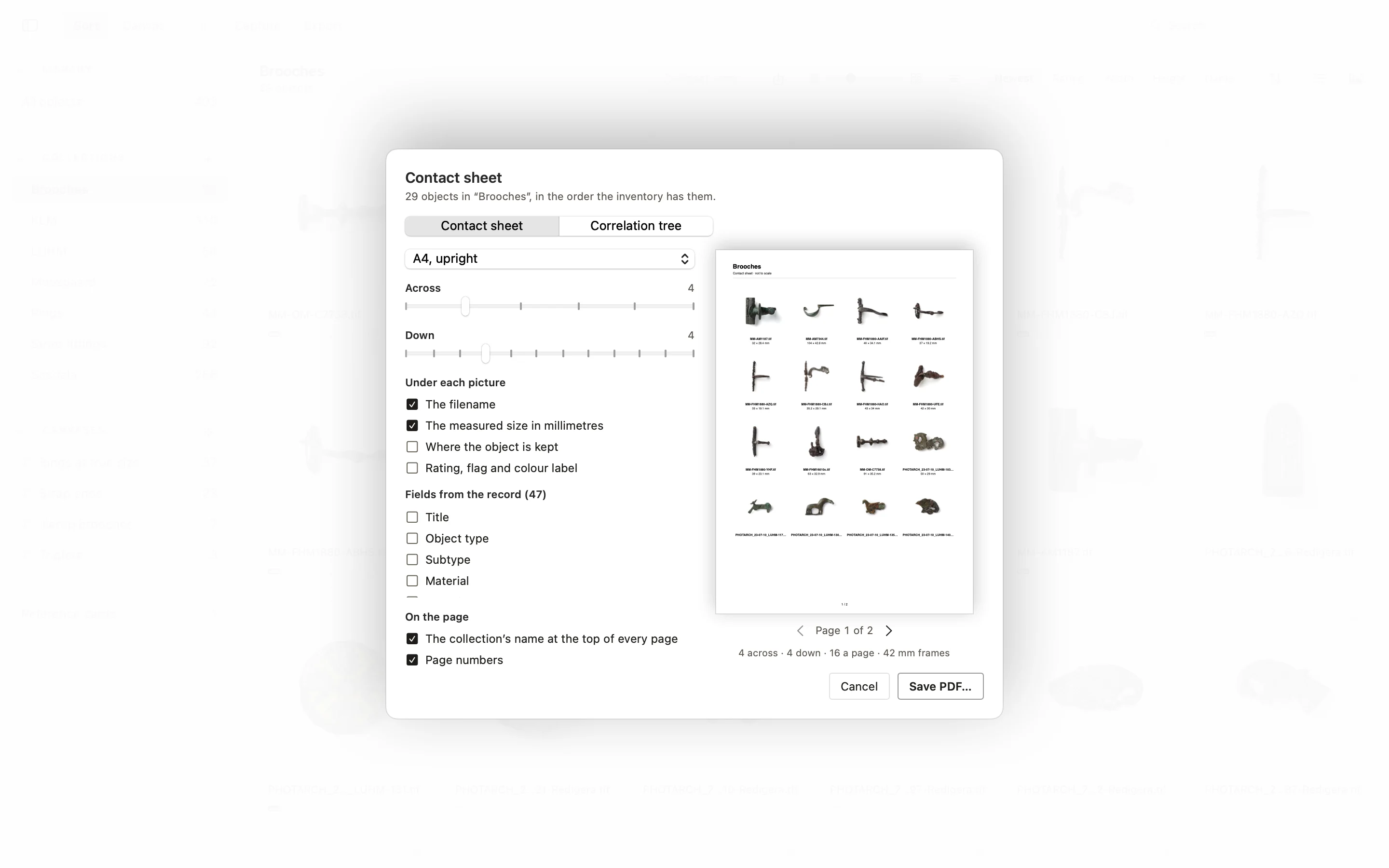
Photographs and records stay on your own computers. The organisation can choose to share its store map, the places and what stands where, so every computer sees the same one, never the pictures, the records or a find spot. For the shelf in hand, export a PDF contact sheet of a place or a collection, with sizes and where each object is kept, its inventory as CSV, or a correlation tree: every place its objects are kept in.
More in the PHOTARCH app
Try it on your own collection
Free to start · macOS