ISM and the PHOTARCH app, presented at Digikult in Uppsala
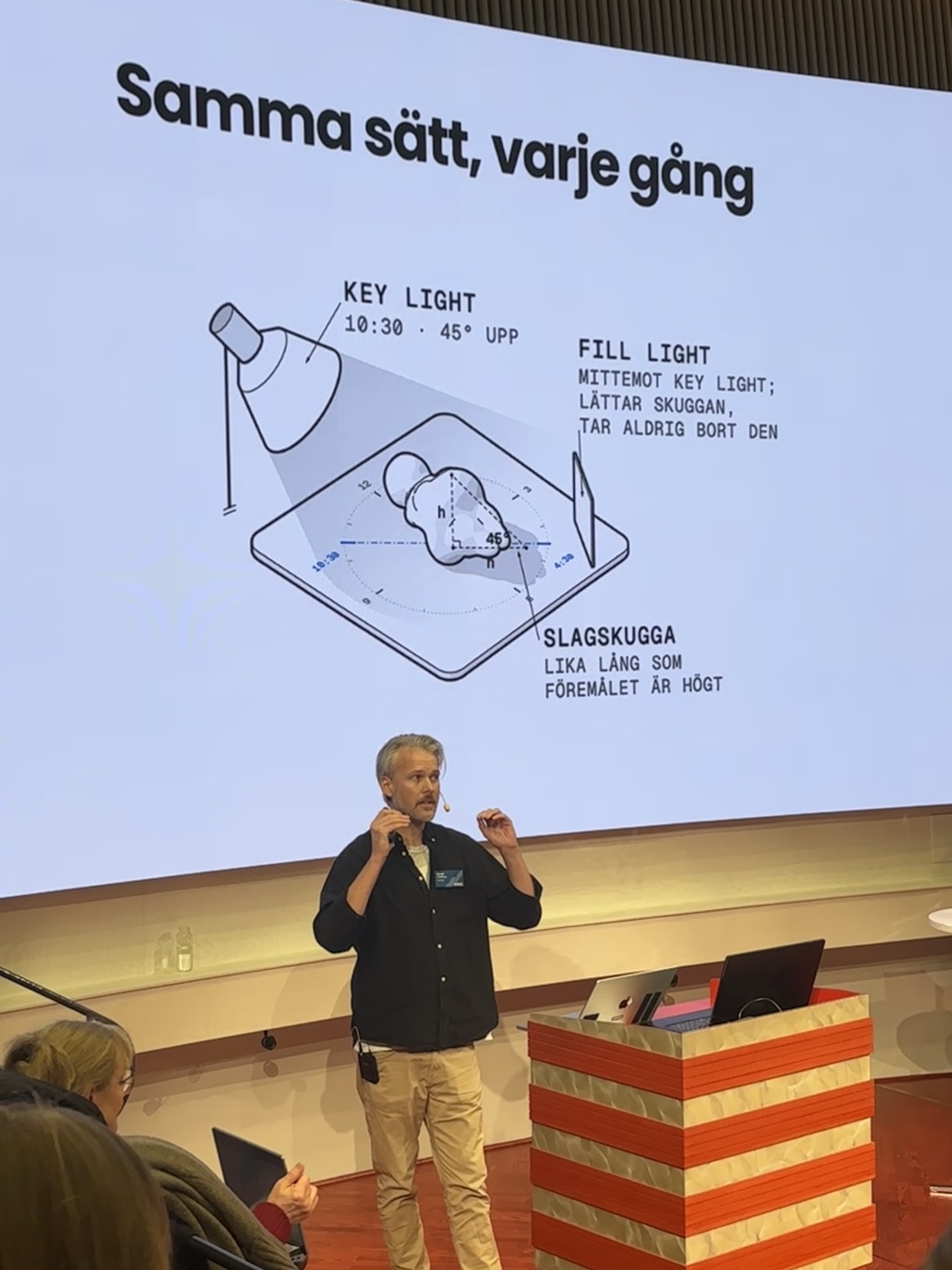
ISM, Image Scale Metadata, was presented at Digikult in Uppsala on 15 October 2026, in the conference's lightning talks under the heading A comparable archive with measured collections. At the same time the PHOTARCH app was released.
In May, at Nordic TAG in Kalmar, the PHOTARCH web archive was shown for the first time. Since then the work has gone into what comes before the archive: the tool that makes the photographs.
The measure in the file
A photograph of an object in an archive or a collection shows its size only if the viewer knows how large one pixel is on the object. Today that knowledge sits on the picture, as a scale bar or a ruler, and it is lost as soon as the image is cropped, resized or moved to another system. Two photographs from two collections cannot be compared. The guide Scale in object photography explains why.
ISM is a small, open set of metadata fields written into the image file itself: how large a pixel is on the object, which pixel grid that applies to, how the scale was obtained, and how certain it is. With that, any program can draw a scale bar, measure a distance or place two objects side by side at the same size. The specification is published under CC BY 4.0. Version 0.2 is a draft for comment, with a viewer, a validator and test files, at w3id.org/ism.
The PHOTARCH app is where a collection is photographed, measured, described and packaged by the PHOTARCH method, and it writes ISM into the files it exports. The scale comes from a digital caliper or from the PHOTARCH board, in millimetres per pixel, and the colour is checked against a ColorChecker. Each picture is then validated as a record shot, a study or a reproduction, so it is clear what it can be used for. Exports in TIFF and JPEG carry the record, the scale and the rights inside the file, and the original is never altered.
On a canvas, objects from any number of collections stand side by side at their true sizes. Records go out as CSV, Dublin Core, LIDO or JSON-LD, the formats a collection system already reads. Images and records stay on the organisation's own computers, the app works offline, and several photographers can work into one archive.
The app runs on macOS 14 or later, on Apple Silicon, and is free for the first 100 objects. More about the app at app.photarch.com.
Thanks to the Digikult organisers.